 Itemlume
Assets & tasks / PRACTICAL ANSWER
Is my product-family ID the same thing as each variant SKU?
A family groups related variants. A variant SKU identifies a particular saleable option. Keep both roles explicit.
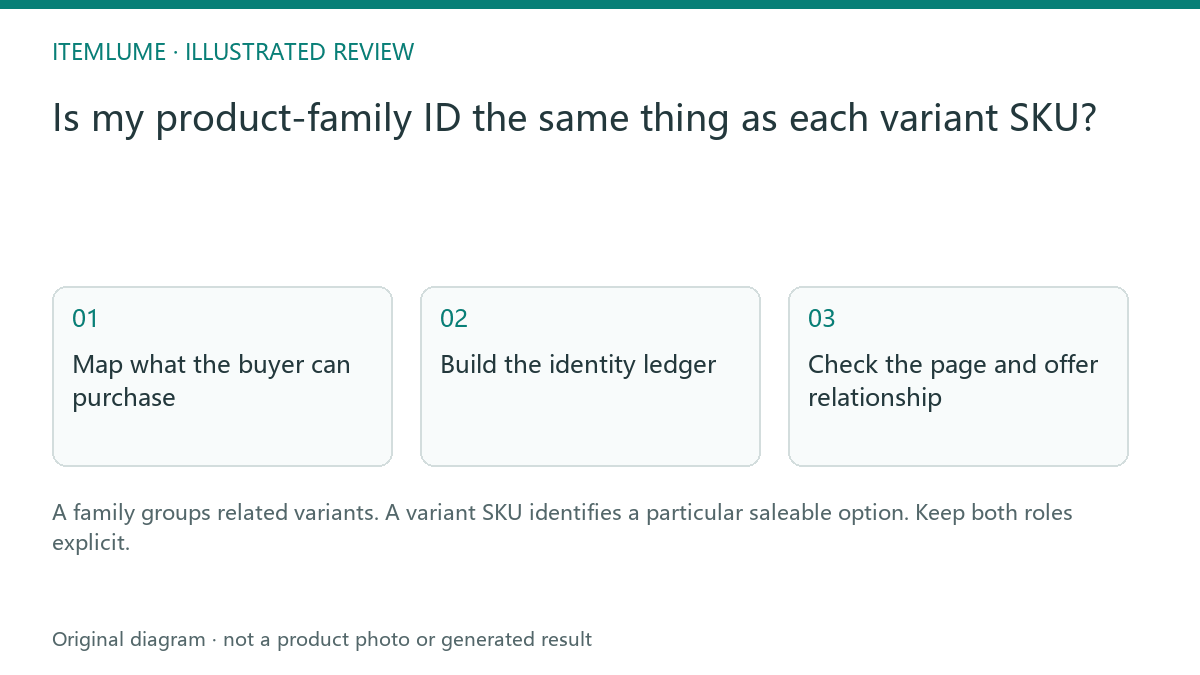
Map what the buyer can purchase
A fictional store sells the same travel cup in blue and sand, each in two capacities. Write four saleable options before creating any image metadata. The travel-cup family can have one group identifier, while each option retains its own SKU and approved picture. Reusing the blue-small SKU for the entire family makes later media and offer mapping ambiguous.
Google documents ProductGroup relationships for product variants. The practical ledger below is our editorial method for preparing those relationships; it is not a feed upload format or a complete structured-data example.
Build the identity ledger
| Role | Illustrative value | Meaning |
|---|---|---|
| Family | CUP-TRAVEL | Shared product design |
| Variant | CUP-BLUE-350 | Blue, 350 ml option |
| Variant | CUP-SAND-500 | Sand, 500 ml option |
| Media | blue-350-approved.jpg | Picture approved for one option |
Do not invent commercial identifiers to fill empty cells. Use your actual inventory system’s stable values. A family ID should survive an image redesign, while a new image file may need a new revision reference. Neither identifier can be inferred reliably from a rendered label.
Check the page and offer relationship
Open each intended option from its link and confirm the selected color, capacity, image and offer correspond. A valid group relationship does not excuse an incorrect variant destination. Give the implementation team the actual URL strategy and ask them to validate its markup against Google’s current examples. Theme and feed changes happen in your store, outside Itemlume.
Keep shared claims at family level only when they are true of every member. A feature available only on the large cup belongs to that variant’s record.
Use the map during creative approval
Attach the variant SKU to each generated candidate before publication. Compare it with the source photograph and the selected page, not merely the family name. If the image shows a blue 500 ml cup, reject it for the blue 350 ml option even when the style matches. This prevents one attractive family image from silently becoming evidence for all variants.
Sources and further reading
Sources for this page were checked on . Platform rules can change; verify the current source before publishing. Prompt examples and workflow recommendations are Itemlume editorial guidance, not independently measured results.
Frequently asked questions
Should every variant share one SKU?
Use the actual distinct inventory identifiers for saleable options.
Can I infer an ID from the image?
Use verified catalog records rather than image inference.
Does Itemlume install this markup?
No. Apply the reviewed map in your store implementation.
BUILD FROM A PRODUCT YOU KNOW
Put this workflow into practice with your own product.
Explore the relevant tool first. AI copy and concept planning are free after sign-in. Image and video generation require available credits and the applicable account access.
Open Assets & tasks Check pricing and credits