 Itemlume
DIAGNOSTIC GUIDE / A+ product pages
How do I distinguish repairable from user-serviceable in product copy?
“Repairable” does not automatically mean the customer may perform every repair. Identify the specific part, who is allowed to replace it and the owner-approved instructions or service route. A removable-looking panel is not evidence of user serviceability. Keep routine consumable replacement separate from repairs that require qualified service, and do not let AI create disassembly instructions from an image.
Assign a role to each replacement task
Build a part-by-role record from the actual product documentation. Mark user-permitted actions, service-only actions and unknowns separately. Do not classify a component by whether it appears accessible in an image; access and permission answer different questions.
Record the exact model and relevant manual revision. A similar model may use different replacement arrangements. Keep warranty or service conditions tied to the owner’s current records, without inventing that a part swap is always covered or never affects an agreement.
Write the benefit without adding a procedure
Describe the confirmed support route or replaceable component as approved. If the customer can replace a consumable, specify that limited scope rather than calling the entire device “easy to repair yourself.” Ease, tool needs and duration require their own evidence.
A serviceable design can be a valid product fact, but it is not a promise that every reader can perform the work. Keep the ad separate from operational instructions. Do not publish AI-created opening, wiring or repair steps merely to make a practical-looking paragraph.
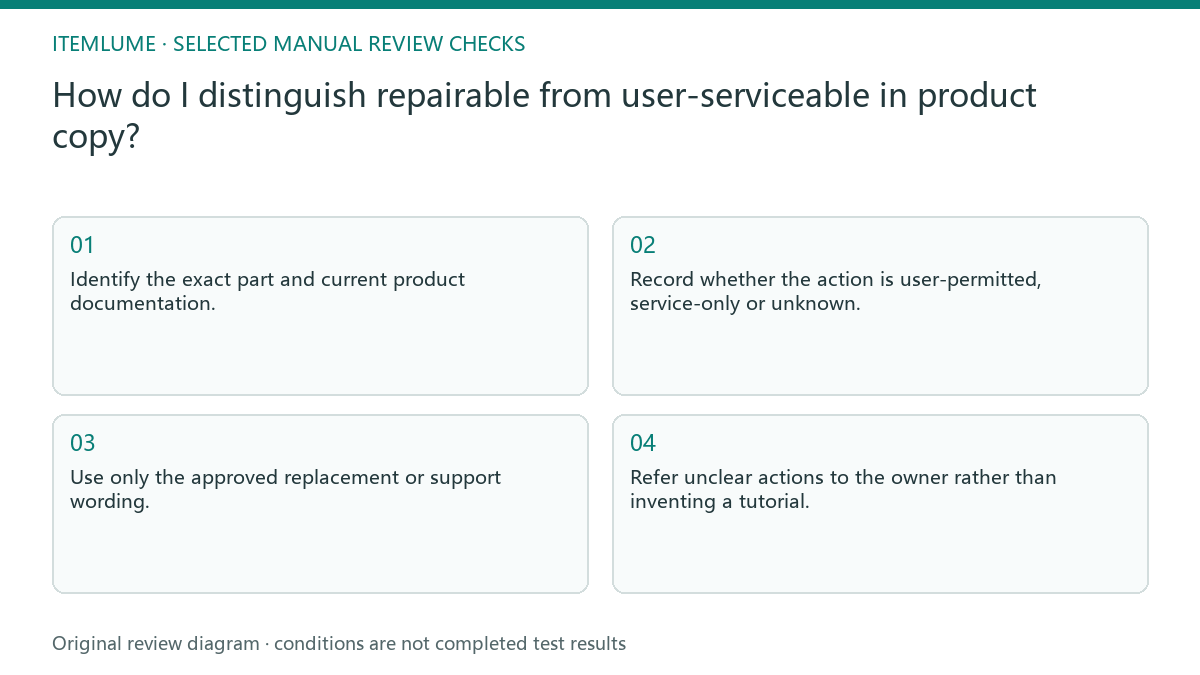
- Identify the exact part and current product documentation.
- Record whether the action is user-permitted, service-only or unknown.
- Use only the approved replacement or support wording.
- Remove unsupported ease, tool and time promises.
- Refer unclear actions to the owner rather than inventing a tutorial.
Fictional exercise: a filter becomes a repair promise
This fictional exercise uses a product whose owner permits replacing a filter but reserves internal repairs for service. A draft says customers can repair it themselves. The example is invented and provides no repair instruction or policy for a real appliance.
The reviewer limits the copy to the approved filter replacement and separate support route. If the manual does not identify the permitted filter procedure, the statement stays on hold. The stopping condition is correct responsibility for each task, not an appealing general sustainability slogan.
Approve the role map with the final creative
Save the part record, source version and accepted wording. Review graphics that show tools or disassembled components for the same scope. A correct sentence can be undermined by a picture suggesting the customer should open a service-only area. Distinguish a spare part being sold from permission to install it. Availability of a replacement in the catalog does not by itself establish that a customer may perform the corresponding procedure.
Stop when copy and imagery reflect the documented responsibilities and uncertain procedures are excluded. Itemlume creative generation does not validate maintainability or authorize repairs. A changed model or support policy needs a fresh review before the same promise is reused.
Replacement-responsibility map
| Observation | Manual check | Stop or approve |
|---|---|---|
| Routine consumable | Check permitted user scope | Narrow approved wording |
| Internal part | Identify service route | No DIY inference |
| Tool shown in ad | Check implied action | Remove unsupported procedure |
| Unknown permission | Ask product owner | Hold statement |
Use this matrix as a manual review record and add your own real evidence. Its conditions are not completed test results.
Sources and further reading
Sources for this page were checked on . Platform rules can change; verify the current source before publishing. Prompt examples and workflow recommendations are Itemlume editorial guidance, not independently measured results.
Frequently asked questions
Does removable mean user-replaceable?
No. Confirm the responsible role in the actual product documentation.
Can I claim easy repair?
Only with approved evidence for that specific claim, not a photograph of an open panel.
Will this guide show disassembly?
No. It controls editorial scope and refers actual procedures to approved instructions.
BUILD FROM A PRODUCT YOU KNOW
Put this workflow into practice with your own product.
Explore the relevant tool first. AI copy and concept planning are free after sign-in. Image and video generation require available credits and the applicable account access.
Open A+ product pages Check pricing and credits