 Itemlume
PRACTICAL ANSWER / Virtual try-on
How do I show a sheer garment without making it look opaque?
Show the sheer garment with its real or clearly identified underlayer, then compare it against a controlled background and repeatable light. Reviewers should be able to see what belongs to the fabric, what belongs to the camisole or lining, and what remains uncertain. A generated image can illustrate appearance, but it does not prove wearing performance.
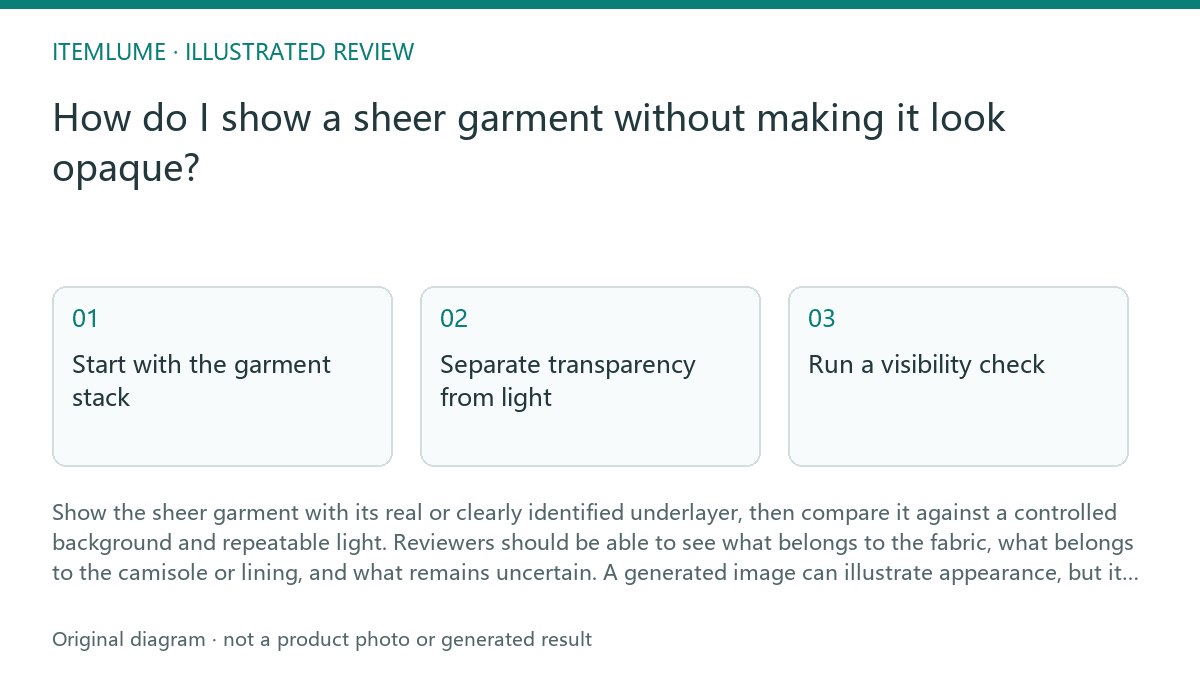
Start with the garment stack
A sheer garment should be reviewed as a stack: outer fabric, actual camisole or lining, skin or base layer, and background. If a mesh overshirt is worn over an opaque camisole, keep both visible. Do not remove the camisole digitally just to make the mesh appear more transparent, and do not let a generated inner layer stand in for a supplied garment detail.
Record the intended state before judging the image. Note whether the reference shows the overshirt open or closed, whether the camisole covers the same area, and whether the background is white, gray or dark. A white background can make an open mesh look less dramatic, while a dark background may exaggerate the visible holes; neither change should be mistaken for a change to the textile itself.
Separate transparency from light
Highlights, shadows and backlighting can make a sheer fabric look glossy, dense or almost invisible. Review the edge of the garment, the repeated mesh openings and the boundary between the overshirt and camisole. If the pattern disappears only in a bright highlight, that is a lighting question. If the openings close across the whole panel, inspect whether the image has invented a lining or flattened the texture.
Use matched comparisons where possible: same pose, same garment state and similar framing, with only the background or light changed. For a fictional example, imagine a review set using three backgrounds and two light directions. That number is illustrative, not a measured requirement. The useful test is whether the underlayer stays identifiable while the outer textile retains its own pattern.
Run a visibility check
A practical check should move from supplied evidence to image behavior: first identify the actual underlayer, then trace the garment edges, then inspect open areas and finally compare the lighting variants. Stop the review when the image cannot distinguish outer fabric from an invented inner surface. Mark the result as unresolved instead of describing the garment as opaque or reliably sheer.
Check sequence: 1) Confirm the underlayer is supplied or explicitly labeled. 2) Compare the garment edge with the camisole edge. 3) Inspect several mesh or sheer areas away from highlights. 4) Repeat on a light and dark background. 5) Stop if the same region alternates between open fabric and solid cloth without a documented design change.
- Confirm the underlayer and fastening state.
- Trace the outer and inner garment boundaries.
- Inspect repeated sheer areas away from highlights.
- Compare light and dark background versions.
- Stop when opacity changes without evidence.
Write the review without overclaiming
Describe what the image shows, not what a person would necessarily experience while wearing it. “The white camisole remains visible through the mesh front” is an image observation. “The garment is comfortable, breathable or suitable for coverage” would require evidence outside the generated image. Likewise, a clean white-background result does not establish how the fabric behaves under movement or different lighting.
Keep unresolved points visible in the handoff. State whether the underlayer was supplied, whether the background was controlled, and which regions remain ambiguous. This protects the review from turning a styling image into a fit, coverage or performance claim.
Sheer garment review
| Observation | Next check | Pass condition |
|---|---|---|
| Camisole is visible through the mesh | Trace its neckline and side edges | Underlayer stays aligned with the supplied garment state |
| Mesh looks solid in one panel | Inspect repeated openings away from highlights | Texture remains open where the reference shows openness |
| Background changes the apparent coverage | Compare matched light and dark versions | Lighting changes do not invent or remove a lining |
| Inner surface is unclear | Return to the reference or mark unresolved | No unsupported claim about opacity or wear behavior |
| Garment edge merges with the body | Inspect edge contrast and silhouette | Outer fabric remains distinguishable from skin or base layer |
Sources and further reading
Sources for this page were checked on . Platform rules can change; verify the current source before publishing. Prompt examples and workflow recommendations are Itemlume editorial guidance, not independently measured results.
Frequently asked questions
Should I remove the camisole to show transparency?
No. Keep the actual or clearly labeled underlayer visible. Removing it may create a misleading view of the layered outfit.
Does a white background prove that the garment is sheer?
No. Background and lighting affect visibility. Check the garment pattern, edges and underlayer across more than one controlled view.
Can the image prove how the garment feels or performs when worn?
No. It can document visible appearance, but it does not prove fit, comfort, breathability, coverage in motion or product performance.
BUILD FROM A PRODUCT YOU KNOW
Put this workflow into practice with your own product.
Explore the relevant tool first. AI copy and concept planning are free after sign-in. Image and video generation require available credits and the applicable account access.
Open Virtual try-on Check pricing and credits