 Itemlume
PRACTICAL ANSWER / Assets & tasks
Can I change an article’s structured-data date without updating the visible date?
Usually, no. A structured-data date should describe the same editorial event shown to readers. Keep the original publication date for the first release and use an update date only after a substantive revision. Changing JSON-LD alone creates a misleading record and can make deployment checks harder to interpret.
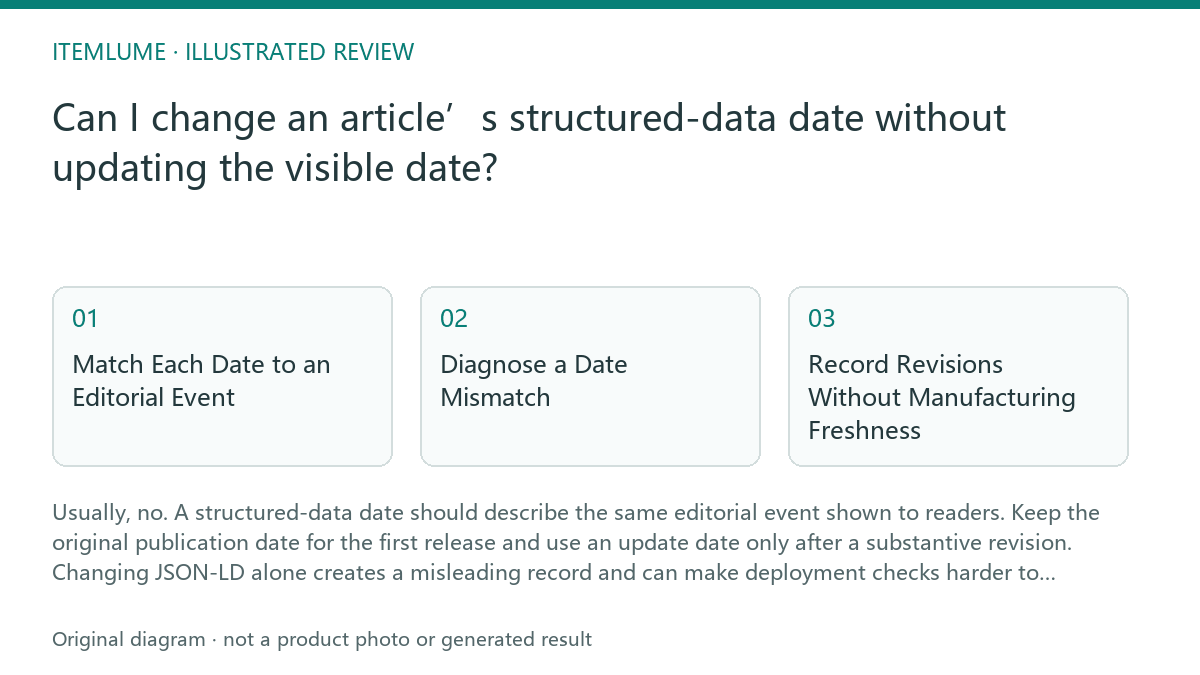
Match Each Date to an Editorial Event
Treat `datePublished` as the article’s original publication date. Treat `dateModified` as the date of a meaningful revision, such as replacing obsolete instructions, correcting a material error, expanding the decision guidance, or changing the page’s intended answer. The visible date labels should communicate the same events in ordinary language.
A cosmetic edit does not automatically justify a new update date. Fixing punctuation, adjusting spacing, or changing an internal link may be useful maintenance, but it should not be presented as a fresh editorial edition unless your documented policy says the change is substantive. The point is traceability, not making an older guide look new.
Diagnose a Date Mismatch
Suppose the page visibly says September, while its JSON-LD says October after a deployment. First identify whether October represents a real revision or only a build-time default. Then compare the rendered page, the source data, the generated JSON-LD, and the deployment diff. Do not correct the visible label by guessing which value is preferred.
Use this check sequence: 1. identify the intended event for each date; 2. inspect the content record and revision log; 3. compare visible labels with `datePublished` and `dateModified`; 4. check the generated page after deployment; 5. stop and hold release if the source of either date is unknown. Correct the source record, regenerate the page, and review the final output again.
- Identify whether each date means first publication or substantive revision.
- Compare the content record, revision history, rendered date, and JSON-LD.
- Remove any deployment default that supplies a date without an editorial event.
- Regenerate and inspect the deployed page.
- Stop release when the dates cannot be traced to documented source data.
Record Revisions Without Manufacturing Freshness
For a real revision, record what changed, why it changed, who approved it, and which date should be exposed. A concise revision note is more useful than silently moving a timestamp. If the article remains materially the same, preserve its original publication date and avoid adding a new modified date merely because related articles were published.
This is workflow advice, not a claim that structured data guarantees a particular search display. Valid syntax does not make an inaccurate date acceptable, and a validation tool passing does not prove that a search engine will index or display every field. Keep the page, structured data, and internal record consistent before considering any external result.
Worked Example and Release Review
Fictional exercise: a guide was first published on September 14, and a December deployment changes one example but does not alter the instructions or conclusion. The team should keep `datePublished` as September 14. Unless the example change is substantive under its editorial policy, it should not silently set `dateModified` to December. If a later revision replaces the decision sequence and updates the visible history, December can become the documented modification date.
The release reviewer should compare the final HTML and JSON-LD, then retain the revision note with the deployment record. If the visible page says September and JSON-LD says October with no matching revision, the result fails. The stop condition is simple: do not publish while either date lacks a traceable editorial event.
Date consistency review
| Observation | Next check | Pass condition |
|---|---|---|
| Visible page says September; JSON-LD says October. | Find the content record and revision entry for October. | Both values map to documented editorial events, or the incorrect value is corrected. |
| `dateModified` changed during a deployment with no content revision. | Inspect build defaults and generated metadata. | No automatic timestamp is presented as an editorial update. |
| A substantive instruction change is recorded, but the page shows only the original date. | Compare the revision note, visible history, and JSON-LD. | The update date is exposed consistently and the change is documented. |
| A validator accepts the markup, but the source date is uncertain. | Trace the value back to the editorial source record. | Validation is treated as syntax evidence, not proof of date accuracy. |
Sources and further reading
Sources for this page were checked on . Platform rules can change; verify the current source before publishing. Prompt examples and workflow recommendations are Itemlume editorial guidance, not independently measured results.
Frequently asked questions
Can `dateModified` be later than the visible date?
Only when the visible history intentionally represents that same substantive revision. Otherwise align the page and JSON-LD before release.
Should every internal-link change update the article date?
No. Apply the editorial policy consistently and reserve update dates for changes that materially affect the guide.
Does valid JSON-LD make an incorrect date acceptable?
No. Schema validity does not repair a date that cannot be traced to the article’s real publication or revision history.
BUILD FROM A PRODUCT YOU KNOW
Put this workflow into practice with your own product.
Explore the relevant tool first. AI copy and concept planning are free after sign-in. Image and video generation require available credits and the applicable account access.
Open Assets & tasks Check pricing and credits