 Itemlume
PRACTICAL ANSWER / Assets & tasks
Does passing Google’s Rich Results Test mean my guide is indexed?
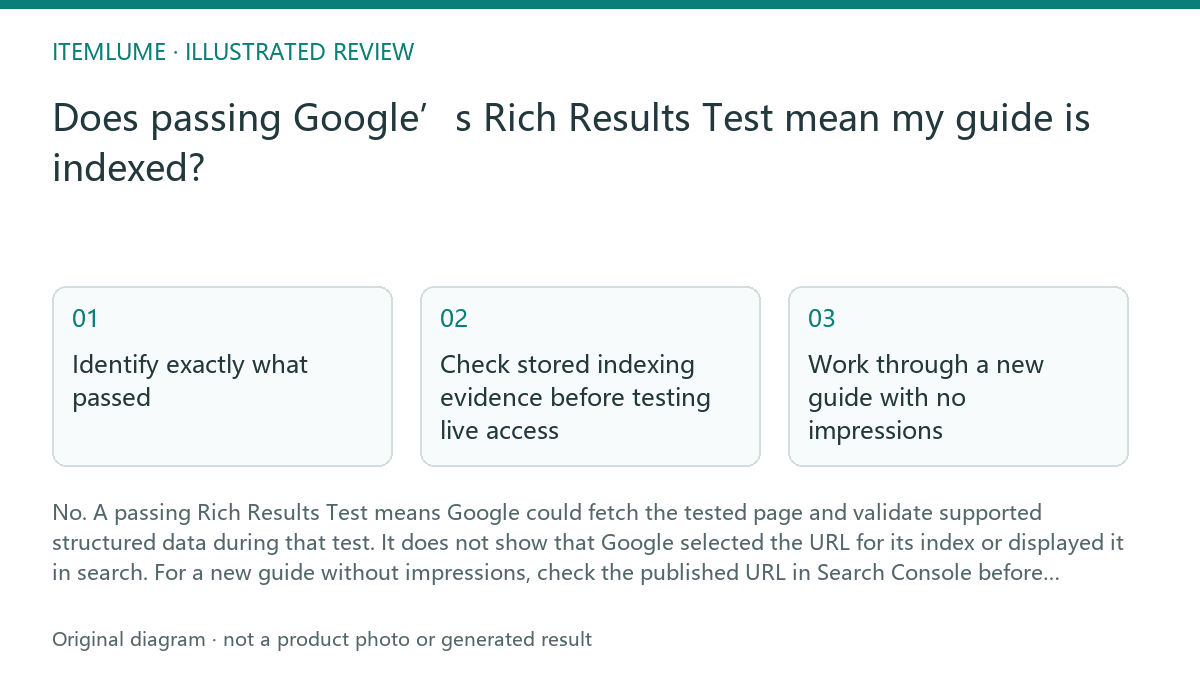
No. A passing Rich Results Test means Google could fetch the tested page and validate supported structured data during that test. It does not show that Google selected the URL for its index or displayed it in search. For a new guide without impressions, check the published URL in Search Console before changing its content.
Identify exactly what passed
First establish whether you tested the published URL or pasted code. A code test cannot establish that the published page is accessible. A URL test provides evidence about that live fetch, while its structured data findings concern supported search features. Neither result establishes stored index status.
Inspect the detected items and any errors rather than relying on the overall success message. Ordinary article text is not itself a rich result. Google ended FAQ rich results on May 7, 2026, as confirmed on its updates page. Schema.org-valid FAQ markup therefore does not establish Google FAQ feature support.
Check stored indexing evidence before testing live access
Use Search Console URL Inspection for the exact published address, including its protocol and path. Start with the stored result: it describes Google's recorded indexing state. A live inspection answers a different question about current access and indexability; passing it does not replace the stored result.
Follow this sequence and record the findings together. If Google selected another canonical, inspect that address before assuming your guide is missing. For translated guides, each language page should use a self canonical and reciprocal hreflang references; translation alone is not a reason to canonicalize everything to English.
- Inspect the published URL and record its stored indexing status and stated exclusion reason, if any.
- Compare the user-declared canonical with Google's selected canonical when those fields are available.
- Run the live test to check current retrieval and reported indexing restrictions.
- Compare the live findings with the stored result, then fix only the specific access, indexing or canonical issue shown.
Work through a new guide with no impressions
Fictional exercise: a newly published guide passes the Rich Results Test but has no recorded search impressions. Stored URL Inspection says it is not indexed and reports “Discovered – currently not indexed.” The live inspection can fetch it and reports no indexing restriction. This supports current accessibility, not completed indexing.
Check that the guide appears in the current sitemap and has a crawlable internal link from a relevant page. If both are present and no restriction or canonical conflict appears, stop technical changes. You may request indexing through Search Console, but submission does not guarantee selection. Record the evidence and review the stored status later.
Stop when the evidence no longer supports a technical fix
If stored inspection confirms the intended URL is indexed, missing impressions becomes a visibility question. Check the Performance report's date range, page filter and search type before drawing conclusions. An indexed guide may have no recorded impressions; that observation alone does not identify a markup, crawling or content defect.
Use the review table to separate resolved checks from unresolved ones. Stop repeated rich result testing once supported markup passes and no relevant markup change is planned. These are publisher workflow checks in Google's tools, not Itemlume functionality. For aggregate count discrepancies, see the separate guide on indexing report dates versus the current sitemap.
Pass/fail review for a tested guide
| Observation | Next check | Pass condition |
|---|---|---|
| Only pasted code was tested | Test the published URL | Pass: live page retrieved. Fail: code-only evidence leaves access unverified. |
| Live access succeeds; stored status is not indexed | Read the stored exclusion reason | Pass: stored inspection confirms indexing. Fail: live success alone. |
| Google selects a different canonical | Inspect both URLs and their canonical signals | Pass: selection matches the intended URL strategy. Fail: unexplained conflict. |
| Indexed URL has no impressions | Check Performance filters and reporting period | Pass: filters cover the intended page and period. Fail: filtered data cannot support the conclusion. |
| FAQ markup passes a vocabulary validator | Separate Schema.org validity from Google support | Pass: no FAQ rich result promise. Fail: validity is treated as Google eligibility. |
Sources and further reading
Sources for this page were checked on . Platform rules can change; verify the current source before publishing. Prompt examples and workflow recommendations are Itemlume editorial guidance, not independently measured results.
Frequently asked questions
Should I remove structured data while waiting for indexing?
Keep accurate, relevant markup. Remove or correct misleading markup, but waiting for indexing is not itself a reason to delete it.
Will requesting indexing make the guide appear in search?
It submits a request for consideration. It does not guarantee indexing, a ranking position or impressions.
Which guide should I use if sitemap totals disagree with Search Console?
Use /guides/gsc-index-report-date-versus-current-sitemap for report timing and aggregate counts. Use URL Inspection to diagnose this individual guide.
BUILD FROM A PRODUCT YOU KNOW
Put this workflow into practice with your own product.
Explore the relevant tool first. AI copy and concept planning are free after sign-in. Image and video generation require available credits and the applicable account access.
Open Assets & tasks Check pricing and credits