 Itemlume
Logo studio / PRACTICAL ANSWER
Why does my black logo appear on every printing separation?
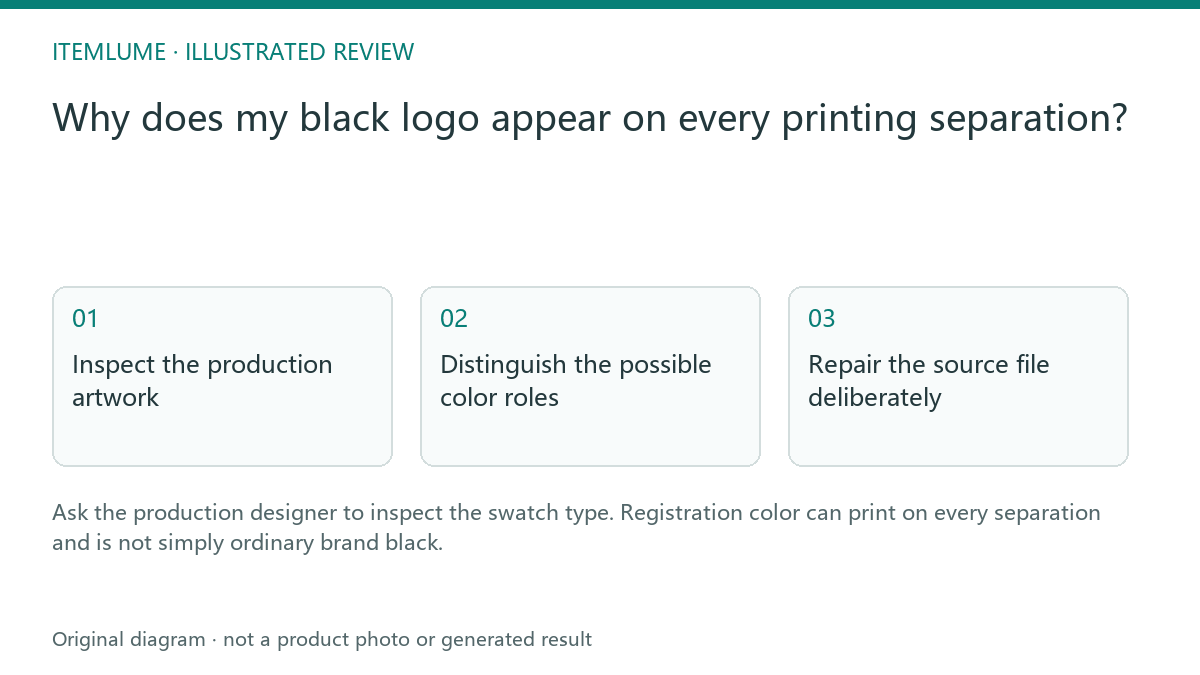
Ask the production designer to inspect the swatch type. Registration color can print on every separation and is not simply ordinary brand black.
Inspect the production artwork
A fictional stationery brand approves a black wordmark. In the printer’s separation preview, that wordmark appears on several plates. The screen mockup alone cannot explain the cause. Ask the designer to inspect the actual object color and swatch type, rather than regenerating a darker logo concept.
Adobe documents the special registration swatch. This is a production-file diagnosis, not a claim that every multicolor black object is necessarily using registration color.
Distinguish the possible color roles
| Role | Intended purpose | Review |
|---|---|---|
| Agreed process black | Specified production artwork | Check actual channels |
| Agreed spot ink | Specified separate ink | Confirm supplier naming |
| Registration swatch | Alignment marks across separations | Do not use casually for brand artwork |
The supplier must confirm the intended print method and color specification. Do not substitute arbitrary numerical ink values from another job. Keep legitimate printer marks separate from the logo artwork.
Repair the source file deliberately
Have the production designer change the inappropriate object color to the agreed specification and export a new reviewed file. Compare separations again. A corrected screen preview is insufficient if the wrong color definition remains in the exported PDF. Retain the earlier file with a rejected status to avoid reuse.
Review the wordmark and symbol together; imported groups may contain mixed color definitions. Do not flatten everything merely to hide the separation problem if editable artwork is required.
Approve the supplier proof
Confirm the revised file, intended ink role and proof with the printer. Itemlume’s generated logo image does not create print separations or select registration swatches; this issue arises during external artwork preparation. The useful next step is a file-level correction and supplier confirmation, not another prompt asking for “pure black.”
Sources and further reading
Sources for this page were checked on . Platform rules can change; verify the current source before publishing. Prompt examples and workflow recommendations are Itemlume editorial guidance, not independently measured results.
Frequently asked questions
Is registration color ordinary black?
No. It has a special separation role.
Can every multi-plate object be diagnosed from a preview?
Inspect the actual swatches and production settings.
Will regenerating the concept fix the PDF swatch?
The production artwork needs external correction.
BUILD FROM A PRODUCT YOU KNOW
Put this workflow into practice with your own product.
Explore the relevant tool first. AI copy and concept planning are free after sign-in. Image and video generation require available credits and the applicable account access.
Open Logo studio Check pricing and credits