 Itemlume
AI models / PRACTICAL ANSWER
Why does the model picker show a front portrait while the identity source has four views?
The front preview makes selection easier. The fuller internal sheet supports the model reference workflow and should retain its approved identity.
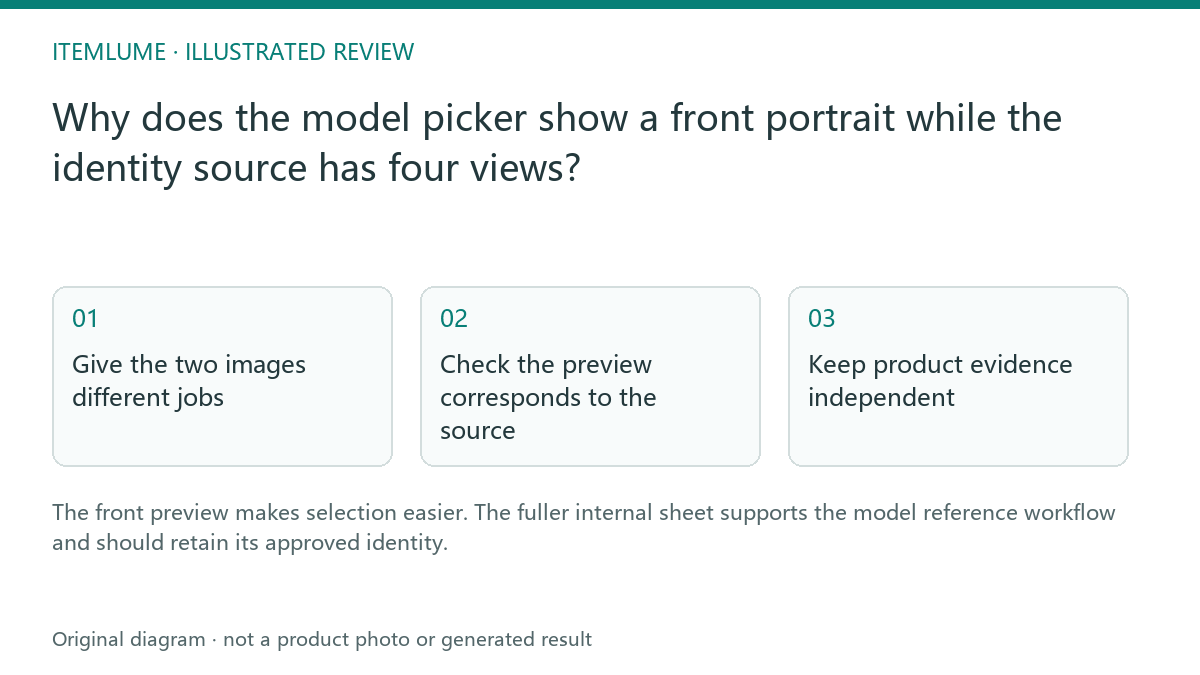
Give the two images different jobs
A fictional accessories team wants users to choose a model quickly. A large four-view collage makes every face tiny in a picker, while a front-facing preview is easy to recognize. Keeping that preview separate from the internal approved sheet solves a presentation problem without discarding the side and back references.
The current Itemlume interface follows this separation. A visible front image is not evidence that the system has generated a new person for that thumbnail. It is a presentation of the saved model reference.
Check the preview corresponds to the source
| Asset | Review job | Possible error |
|---|---|---|
| Full identity sheet | Approve coherent face/body views | Inconsistent side or back |
| Front preview | Recognize the chosen model | Wrong source or severe crop |
| Generated campaign image | Approve product/person result | Identity or garment drift |
Review the actual front preview before choosing. If it appears to be a different model, stop and resolve the source relationship. A visually convenient thumbnail should not silently substitute another identity.
Keep product evidence independent
The model’s saved reference outfit is not proof of the merchandise being advertised. Supply the real product reference and describe its role separately. A correct front portrait cannot establish how a garment fits, how a bag is held or how an unseen clasp works. Review the generated campaign output against both the model and product evidence.
For accessories, choose a pose that permits the product to be seen without confusing a decorative reference item with an included item.
Use the current adapter boundary
Planning and scene construction may use role-labeled references, while the current H3 clip submission uses the approved independent scene frame. Do not assume the front picker or internal sheet is directly submitted to every downstream provider. Keep the approved scene review as a separate step. The preview improves selection; it is not a guarantee of unchanged identity throughout motion.
Sources and further reading
Sources for this page were checked on . Platform rules can change; verify the current source before publishing. Prompt examples and workflow recommendations are Itemlume editorial guidance, not independently measured results.
Frequently asked questions
Should the picker display the whole four-view collage?
The current design shows the clearer front-facing preview.
Is reference clothing necessarily the sold product?
No. Supply and identify the actual merchandise separately.
Is the sheet directly sent to every video provider?
Do not assume that; the current H3 path uses the scene first frame.
BUILD FROM A PRODUCT YOU KNOW
Put this workflow into practice with your own product.
Explore the relevant tool first. AI copy and concept planning are free after sign-in. Image and video generation require available credits and the applicable account access.
Open AI models Check pricing and credits