 Itemlume
PRACTICAL ANSWER / Packaging studio
Should my online listing show the retail box or the shipping mailer?
Show the retail box when it is part of the item the buyer receives, and show the shipping carton when delivery protection matters. Photograph each in its real state and label its role. If the decorative box sits inside a plain shipping carton, make that relationship clear so shoppers do not mistake the carton for a gift box or assume extra packaging is included.
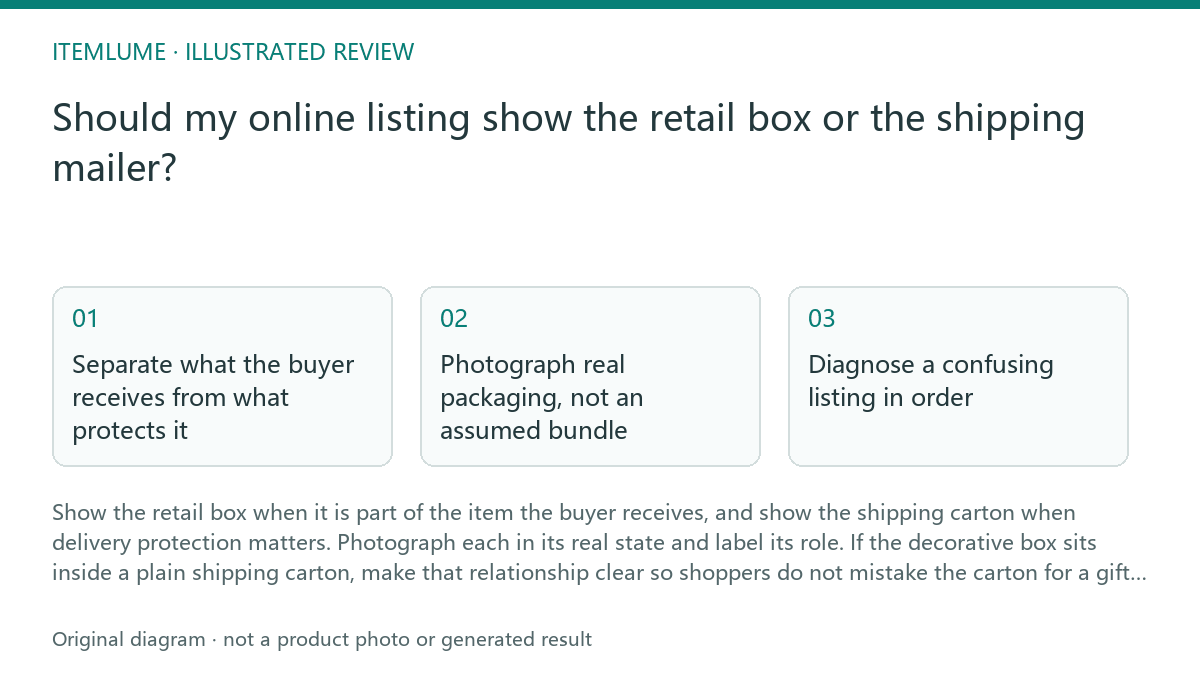
Separate what the buyer receives from what protects it
The retail box presents and contains the gift item. It may carry the product name, finish, or gift-ready appearance that matters to the buyer. The shipping carton or mailer has a different job: it protects the order during delivery. One listing image should not imply that these packages are interchangeable.
Start with the actual packing sequence. If the decorative box is placed inside a plain shipping carton, show the decorative box as the product packaging and the carton as the outer delivery layer. Do not present an unboxed product if the retail box is included, or a gift-ready carton if the outer carton is plain.
- List every package component a typical order includes.
- Write down the packing order, from product to outermost delivery layer.
- Choose a clear photo for each component that affects the buying decision.
- Check that captions identify the retail box and the shipping carton accurately.
Photograph real packaging, not an assumed bundle
Use the packaging supplied with the item. A clean, well-lit photograph can show whether a box is decorative, plain, or visibly protective. If the package changes across variants or fulfillment routes, check the version represented by each listing before reusing the image.
A staged arrangement can help explain the layers, but it should not suggest that all layers are delivered as a gift set. Keep the product and its retail box together in one view; use another image to show the outer carton if that helps explain transit protection. A short caption can resolve ambiguity without adding props that are not included.
Diagnose a confusing listing in order
Review the listing from the buyer’s likely question: “What arrives, and what will it look like?” Compare the first image, captions, variant choices, and packaging description. Conflicting signals can create a false expectation even when each photograph is individually accurate.
For example, a fictional gift listing shows a decorative inner box inside a plain shipping carton. The product photo includes the inner box, while a delivery photo shows the carton. The caption should say that the decorative box is included and the plain carton is the outer shipping package. If the carton varies, avoid promising a particular appearance.
- Identify what the first image makes a shopper expect.
- Compare that expectation with the actual included components.
- Check whether captions and variant details agree with the photographs.
- Replace or relabel any image that implies an unbundled or unprovided package.
Stop when the package representation is accurate
Stop revising once a shopper can distinguish the item’s retail packaging from its delivery protection, tell what is included, and see no promise of a decorative outer box that is not supplied. More package images are not automatically better; include only views that resolve a real question.
This is a listing-review workflow, not proof that packaging will prevent damage or fit a particular carrier process. Confirm physical protection separately through appropriate packing and transit checks. Listing images can communicate the package arrangement, but they cannot establish product performance.
Review the package relationship
| Observation | Next check | Pass condition |
|---|---|---|
| Decorative inner box appears beside the product | Check the included-items description and variant | The listing says whether the decorative box is included |
| Plain carton appears in a delivery image | Compare the caption with the actual packing sequence | It is identified as outer shipping packaging, not a gift box |
| Retail box is absent from the main product photo | Check whether a buyer could infer the item arrives unboxed | An additional view or caption makes included retail packaging clear |
| Outer packaging differs between orders | Check the wording for a fixed color or style promise | The listing describes it without promising an unconfirmed appearance |
Sources and further reading
Sources for this page were checked on . Platform rules can change; verify the current source before publishing. Prompt examples and workflow recommendations are Itemlume editorial guidance, not independently measured results.
Frequently asked questions
Should the first image show the shipping carton?
Usually show the product and included retail box clearly first. Add a carton image when delivery packaging is important to the buyer’s decision.
Can I use a staged photo of the box inside the carton?
Yes, if it represents the actual arrangement and does not imply extra items or a gift-ready outer carton.
What if the shipping carton changes?
Avoid promising a specific appearance. Show the retail packaging consistently and describe the outer layer by its delivery role.
BUILD FROM A PRODUCT YOU KNOW
Put this workflow into practice with your own product.
Explore the relevant tool first. AI copy and concept planning are free after sign-in. Image and video generation require available credits and the applicable account access.
Open Packaging studio Check pricing and credits