 Itemlume
PRACTICAL ANSWER / Packaging studio
Why is a packaging panel upside down after the box is folded?
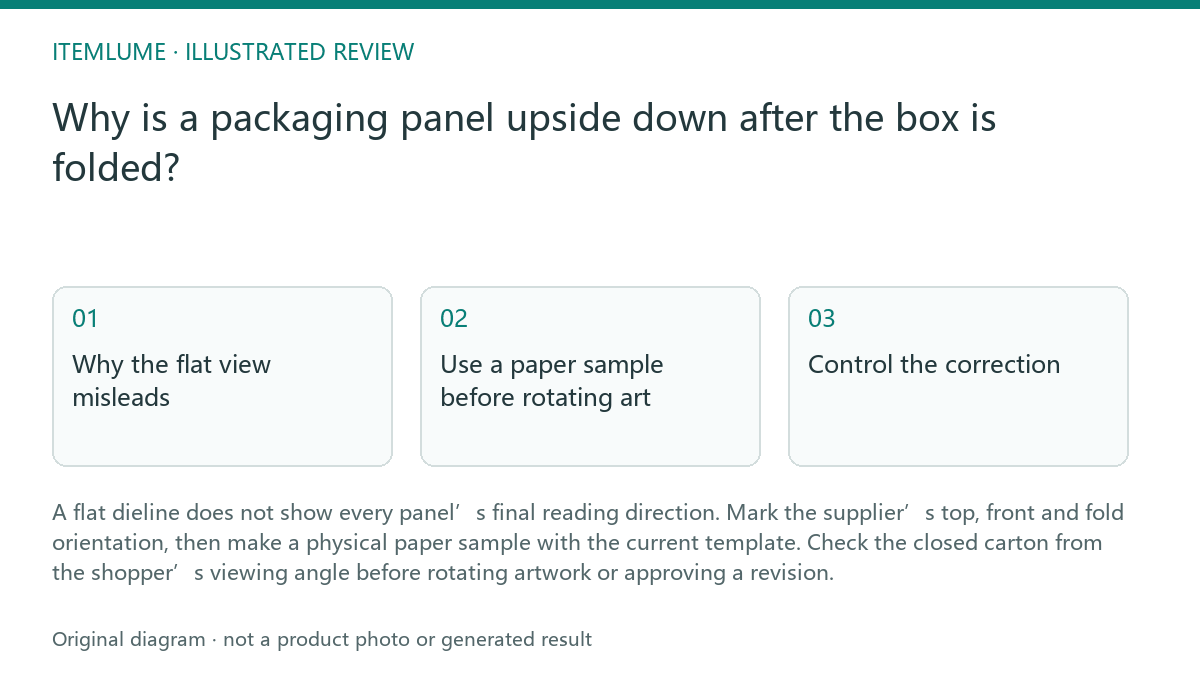
A flat dieline does not show every panel’s final reading direction. Mark the supplier’s top, front and fold orientation, then make a physical paper sample with the current template. Check the closed carton from the shopper’s viewing angle before rotating artwork or approving a revision.
Why the flat view misleads
A carton panel may appear upside down because it is attached to a flap, side wall or reverse-facing section that changes orientation during folding. The artwork’s position in the unfolded file is therefore not enough to predict how a title will read when the lid closes.
The supplier’s dieline should identify the intended outside, inside, top, bottom, front and fold directions. Treat these marks as production-reference information, not as decorative labels. If the marks are missing or unclear, ask the supplier to confirm them before moving text, logos or directional graphics.
Use a paper sample before rotating art
Print the current dieline at a useful scale, mark the outside face and fold lines, and assemble it in the same order as the carton. A quick physical check can reveal whether the problem is a rotated panel, a reversed template, an incorrect fold assumption or a title intended for a different flap.
Check the carton while the top flap is open and again when the lid is closed. Review the title from the expected shelf or hand-held viewing angle. This is workflow advice: a visual planning tool can help compare panel arrangements, but Itemlume does not produce manufacturing-ready dielines or prove the assembled carton is correct.
- Confirm the supplier name, dieline identifier and revision date on the working file.
- Read the supplier’s orientation marks and label the physical sample’s outside, inside, front and top.
- Fold the sample using the marked score lines, then inspect the title with the lid open and closed.
- Record the required panel rotation or template correction and obtain supplier confirmation.
- Freeze the approved template revision before making the final artwork export.
Control the correction
Do not solve an upside-down panel by rotating artwork until you know the template revision is the one intended for production. A supplier change, mirrored dieline or substituted flap can make a previously approved orientation invalid. Keep the source dieline, annotated sample and approval note together.
For a title on a top flap, document the condition that defines success: when the carton is assembled and the lid is closed, the title must read normally from the stated viewing side. Keep other panels unchanged unless the sample shows a related orientation error. Planning remains free after sign-in; image or video media, when requested, are quoted separately.
Release only after the fold passes
The final review should compare the approved physical sample with the exact artwork file and supplier template revision. Confirm that the title, logo, mandatory information and directional symbols remain readable after folding, without relying on a screen preview alone.
Stop the release when the supplier cannot identify the current dieline, when the physical sample conflicts with the orientation marks, or when the correction has not been acknowledged against a revision identifier. Resume only after the conflict is resolved and the approved revision is recorded.
Fold-direction diagnostic review
| Observation | Next check | Pass condition |
|---|---|---|
| Top-flap title is upside down only when the lid closes. | Fold the current supplier sample and compare the title with the marked top and outside directions. | Title reads normally from the specified viewing side with the lid closed. |
| Artwork looks correct in the flat file, but the sample mirrors a side panel. | Compare the sample against the supplier’s outside/inside marks and dieline revision identifier. | The physical result matches the marked face and the recorded revision. |
| Two files show different fold or flap positions. | Pause artwork changes and ask which supplier template is approved for production. | One named template revision is confirmed in writing and used by the artwork file. |
| A proposed rotation fixes one panel but changes another. | Inspect all connected panels in the folded sample before exporting. | Every affected panel passes the closed-carton reading check. |
Sources and further reading
Sources for this page were checked on . Platform rules can change; verify the current source before publishing. Prompt examples and workflow recommendations are Itemlume editorial guidance, not independently measured results.
Frequently asked questions
Should I rotate the top-flap artwork immediately?
No. First confirm the supplier’s orientation marks and current dieline revision, then test the fold. The issue may be a wrong or mirrored template rather than artwork rotation.
Can a screen mockup confirm the reading direction?
It can help compare planned panel arrangements, but it cannot replace a folded paper check. The closed carton determines the practical reading direction.
When should I stop the approval?
Stop when the supplier’s revision is unclear, the sample conflicts with the marks, or a correction lacks supplier acknowledgement. Record one approved revision before release.
BUILD FROM A PRODUCT YOU KNOW
Put this workflow into practice with your own product.
Explore the relevant tool first. AI copy and concept planning are free after sign-in. Image and video generation require available credits and the applicable account access.
Open Packaging studio Check pricing and credits