 Itemlume
DIAGNOSTIC GUIDE / A+ product pages
Should my product copy say preorder or backorder?
Choose the wording from the real product’s release and stock status, not from the fact that orders are open. A not-yet-released product and an already-released item awaiting replenishment communicate different expectations. Google Merchant Center defines availability values for its own feed; your visible copy must also match the store’s actual order and fulfillment information. Do not infer a shipping date from the label alone.
Separate release, stock and order acceptance
Record whether the item has been released, whether the selected SKU is in stock, and whether the store accepts orders. These are independent fields. A sold-out color can have a different state from an available color on the same product page.
Ask the commerce owner for the approved fulfillment expectation and what event starts it. Avoid inventing a replenishment date because a supplier says “soon.” If the record is incomplete, use a held editorial status and obtain facts before producing urgency-led artwork.
Translate status into a buyer expectation
Use language that explains what buyers can do now and what remains pending. For a future release, say which release facts are confirmed. For replenishment, identify the selected item and approved waiting expectation. Do not use the two labels interchangeably merely to make a headline shorter.
If you maintain a Merchant Center feed, have its owner verify the current field definitions and related requirements directly. The feed, visible page and checkout should describe the same offer. Itemlume can assist drafting from confirmed facts, but it does not update inventory or synchronize feed status.
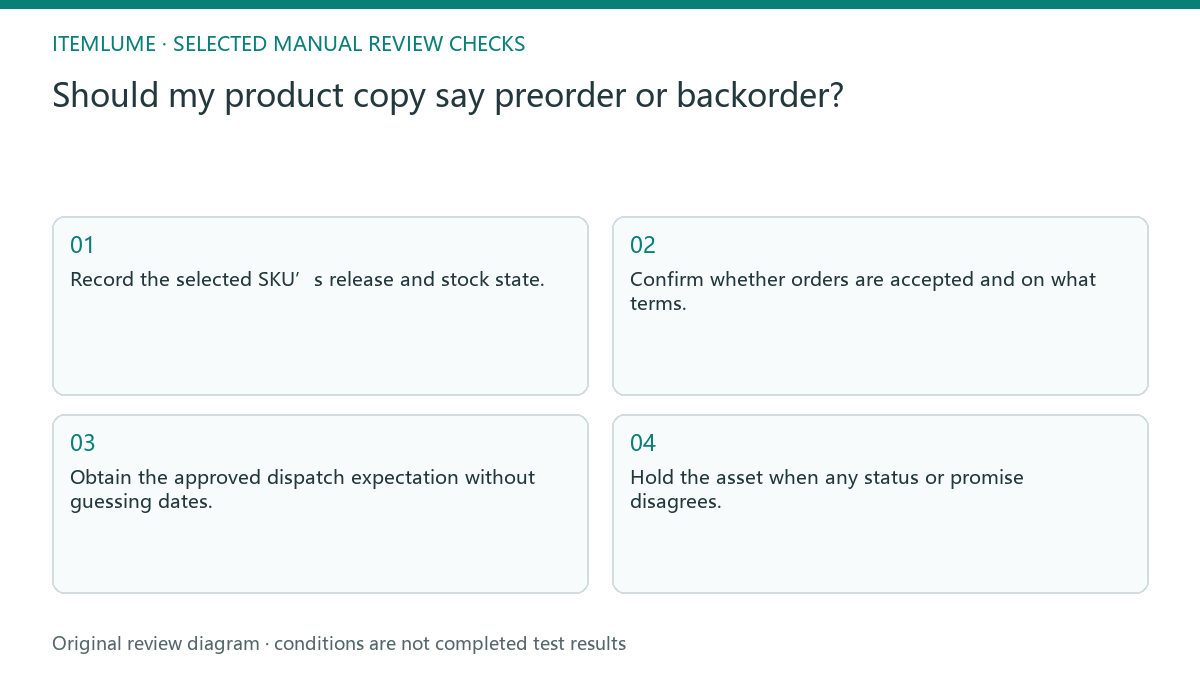
- Record the selected SKU’s release and stock state.
- Confirm whether orders are accepted and on what terms.
- Obtain the approved dispatch expectation without guessing dates.
- Compare headline, product page, checkout and any feed.
- Hold the asset when any status or promise disagrees.
Fictional exercise: a launch and a replenishment
This fictional exercise compares a new notebook not yet released with an existing blue notebook awaiting stock. Both accept orders, but the underlying states differ. The example is invented; it is not evidence of any merchant’s availability or a guaranteed dispatch schedule.
The team first obtains each owner-approved state and only then drafts separate explanations. If the blue notebook’s replenishment timing is unconfirmed, the copy does not supply a date. The stopping condition is agreement across the offer records, not the presence of a fashionable preorder badge.
Recheck status when publishing
Attach the status timestamp and responsible owner to the approved copy. Inventory and release plans can change after an image is generated. Check the selected SKU again before manually publishing a static headline, especially when the picture contains a date or availability badge. The publication record must identify the selected variant and its state at that time. A collection-level stock label cannot override a different waiting condition on the option the buyer actually selects.
Stop when the buyer-facing message and actual offer agree, or withdraw the unsupported asset. A status guide is not a delivery guarantee. Do not treat a feed acceptance, a generated caption or a generic product record as proof that every variant can be fulfilled under the same expectation.
Offer-state decision record
| Observation | Manual check | Stop or approve |
|---|---|---|
| Not released | Confirm release facts | Use approved future-release message |
| Released, no stock | Confirm replenishment expectation | Explain selected SKU wait |
| Another color available | Check selected SKU | Do not generalize stock |
| Date unconfirmed | Ask offer owner | Hold dated artwork |
Use this matrix as a manual review record and add your own real evidence. Its conditions are not completed test results.
Sources and further reading
Sources for this page were checked on . Platform rules can change; verify the current source before publishing. Prompt examples and workflow recommendations are Itemlume editorial guidance, not independently measured results.
Frequently asked questions
Does accepting orders mean in stock?
No. Check the actual SKU’s stock and fulfillment records separately.
Can AI choose the dispatch date?
No. It needs an owner-approved operational date, or the date remains unconfirmed.
Is Google’s field definition a universal store rule?
No. It applies to that feed; verify other destinations independently.
BUILD FROM A PRODUCT YOU KNOW
Put this workflow into practice with your own product.
Explore the relevant tool first. AI copy and concept planning are free after sign-in. Image and video generation require available credits and the applicable account access.
Open A+ product pages Check pricing and credits