 Itemlume
DIAGNOSTIC GUIDE / Product images
Why did extending my product photo add another handle or cap at the edge?
An expanded canvas contains newly generated content, so an extra handle or cap needs a product check. Keep the original, mark its boundary, and compare components across both areas. Reject invented parts even when the background looks convincing.
Find whether the error crosses the original boundary
Place the original and expanded files at the same scale in an external image editor. Draw a temporary rectangle around the original canvas. A seam outside that rectangle is different from a change to an existing bottle neck. Record which area contains the defect before deciding what to fix.
A source that clips a handle leaves the task ambiguous. Obtain an uncropped reference or preserve the visible crop. Photoshop documents canvas extension; it does not certify a product’s construction.
Make a component count before touching the prompt
List visible parts from the real reference: one lid, one handle, two hinges, or the actual number of straps. Give each an approximate location. Include mirrored reflections as reflections, not extra components. This small inventory helps distinguish an invented accessory from a legitimate reflected shape.
For the next review, inspect the new margins first, then trace the entire product outline. A newly plausible spout can be more misleading than a messy background seam because it changes the implied function. Do not approve it simply because the center of the image remained unchanged.
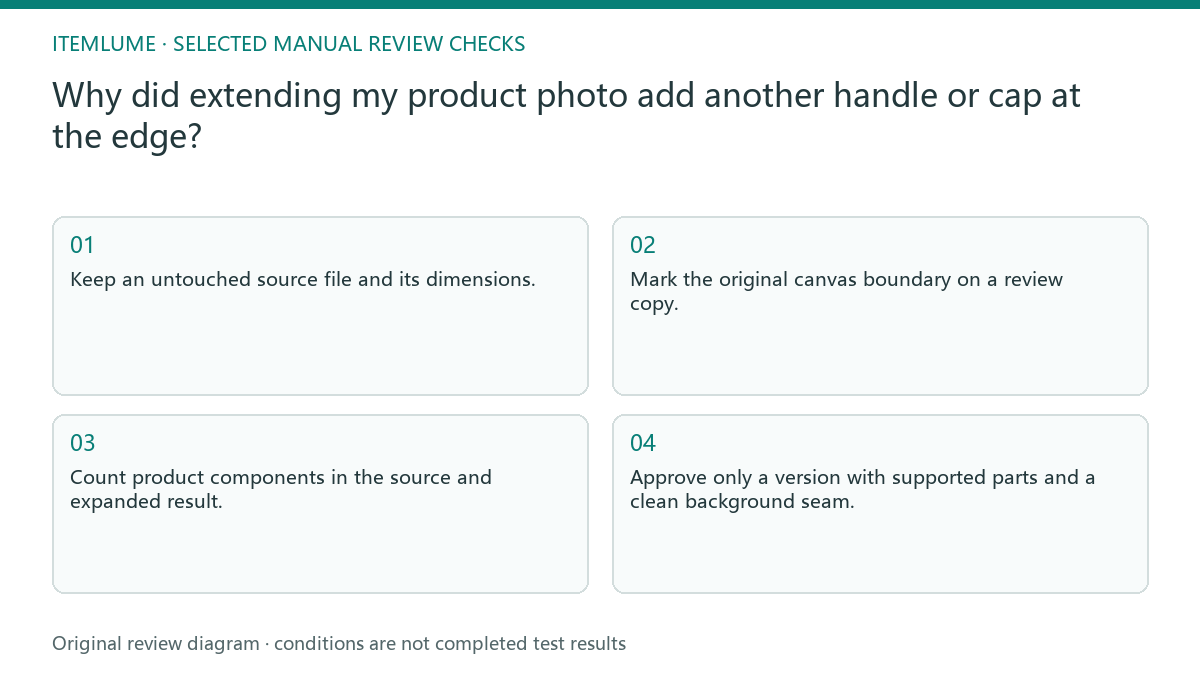
- Keep an untouched source file and its dimensions.
- Mark the original canvas boundary on a review copy.
- Count product components in the source and expanded result.
- Compare new edges against an uncropped real reference.
- Approve only a version with supported parts and a clean background seam.
A fictional tote-bag expansion exercise
Fictional exercise: a seller extends a cropped tote photo for a wide banner. The original shows two handles, but the generated right margin adds a third attachment. The review sheet marks that attachment outside the old canvas. This is an illustrative diagnosis, not a test performed on an Itemlume output.
Change only the source framing: supply a real uncropped photo that includes both handle attachments. Compare the next candidate with the same component list. If another attachment appears, stop that expansion route. Choose a crop that fits the original evidence or have an external editor extend the background without rebuilding the bag.
Separate a background repair from product regeneration
A background-only cleanup can be appropriate when the original product remains intact and the defect is distant from its silhouette. Work on a separate copy and preserve the original layer. If the product itself has changed, treat the task as an identity failure rather than cosmetic banner preparation.
Itemlume can help draft a visual brief, but this guide does not describe a built-in protected-region or Photoshop repair control. Ask for the intended composition, keep the real product reference, and review the delivered file. Stop when the source cannot support the hidden part; more fluent instructions do not supply missing evidence.
Original boundary and new-margin review
| Observation | Next check | Approval evidence |
|---|---|---|
| Extra cap outside old canvas | Compare cap count and neck | Only the documented closure remains |
| Handle clipped in source | Request full real reference | Both attachments are visible |
| Background seam away from product | Inspect separate edit copy | No silhouette pixels changed |
| Reflection resembles another part | Trace reflection and real part | Reflection does not imply a new component |
Use this matrix as a manual review record and add your own real evidence. Its conditions are not completed test results.
Sources and further reading
Sources for this page were checked on . Platform rules can change; verify the current source before publishing. Prompt examples and workflow recommendations are Itemlume editorial guidance, not independently measured results.
Frequently asked questions
Can I crop away the extra part?
Yes, if the final crop removes the invented component completely and still gives buyers an accurate view. Review the final export, not just the editor canvas.
Does a bigger output make expansion safer?
No. Pixel dimensions describe file size, while component evidence describes the product. Higher resolution can make an invented part more convincing.
Should I regenerate the whole product?
Only with appropriate real references and another fidelity review. If the original product is already correct, start with a composition that preserves it.
BUILD FROM A PRODUCT YOU KNOW
Put this workflow into practice with your own product.
Explore the relevant tool first. AI copy and concept planning are free after sign-in. Image and video generation require available credits and the applicable account access.
Open Product images Check pricing and credits