 Itemlume
Product images / PRACTICAL ANSWER
Why does my product have doubled edges after combining exposure photographs?
Compare the merged image with its source exposures. Doubled contours may be a merge defect rather than a real product edge.
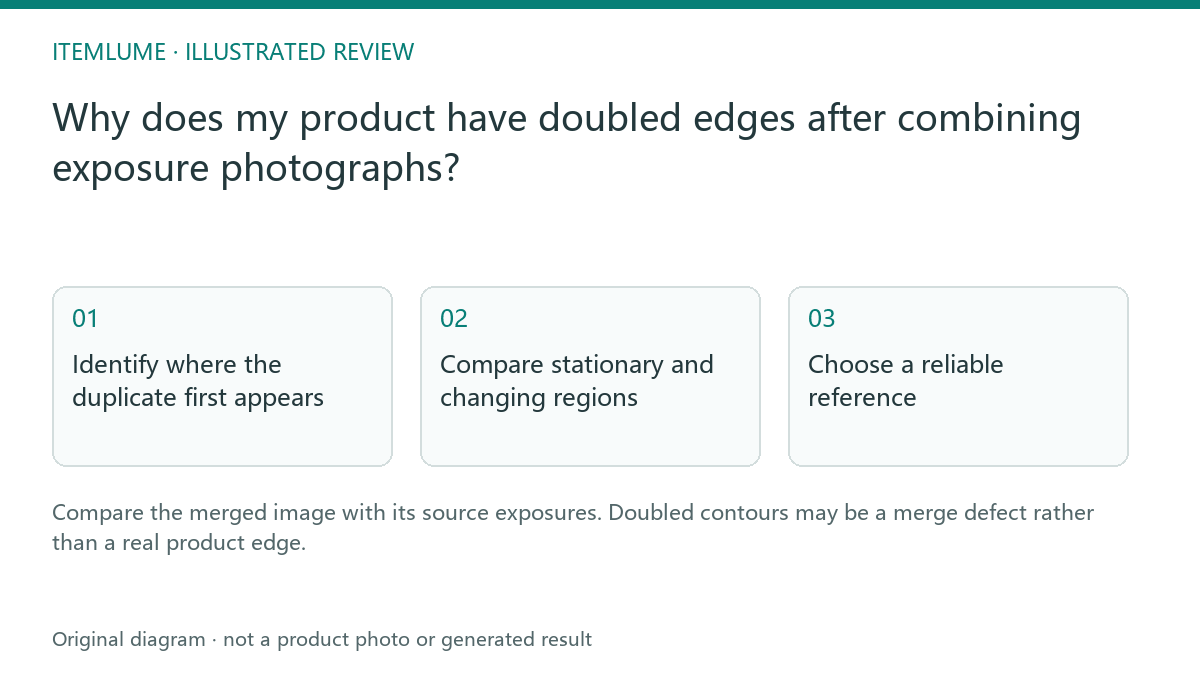
Identify where the duplicate first appears
A fictional metallic bottle is photographed at several exposures. The composite has a second cap outline and a bright seam absent from each selected original. If the seller uploads only that merge, an image model may preserve the extra geometry. Inspect the original exposures before blaming the later creative tool.
Adobe documents HDR merging from different exposures. Our review exercise focuses on the factual product reference, not on a universal recipe for a dramatic HDR look.
Compare stationary and changing regions
| Region | Source check | Potential defect |
|---|---|---|
| Cap edge | Same physical location across exposures | Misalignment |
| Bottle reflection | Light/reflection changed between captures | Ghosted highlight |
| Label | One clear source exposure | Composite text artifact |
Keep one approved product revision in the sequence. A different cap or label between captures is not an alignment issue. Moving hands, flexible packaging and shifting reflections also deserve special attention before the files are merged.
Choose a reliable reference
If one original exposure shows the product accurately enough, use it rather than an unreliable composite. If merging is necessary, have an editor repair or recapture the affected regions against the source. Avoid smoothing away a duplicate seam without checking whether a real seam should remain.
Save the merge separately and record the source selected for label and contour review. The goal is a dependable reference, not the widest apparent contrast range.
Check the generated output against the source
When reviewing a new scene, compare it to the approved reference and any relevant original exposure. If the doubled cap returns, determine whether it is in the submitted file or introduced during generation. Itemlume does not perform a dedicated exposure merge. Resolving the source defect first makes the later prompt simpler and prevents a capture artifact from becoming a repeated catalog feature.
Sources and further reading
Sources for this page were checked on . Platform rules can change; verify the current source before publishing. Prompt examples and workflow recommendations are Itemlume editorial guidance, not independently measured results.
Frequently asked questions
Does a doubled edge prove AI generation failed?
First check whether it exists in the submitted merge.
Is an HDR composite automatically better evidence?
No. Accuracy and merge quality need review.
Does Itemlume merge exposure sequences?
No dedicated exposure-merging workflow is provided.
BUILD FROM A PRODUCT YOU KNOW
Put this workflow into practice with your own product.
Explore the relevant tool first. AI copy and concept planning are free after sign-in. Image and video generation require available credits and the applicable account access.
Open Product images Check pricing and credits