 Itemlume
PRACTICAL ANSWER / Product images
Can I recover the label hidden by a blown-out reflection in my product photo?
Usually, only detail that remains somewhere in the source file can be recovered reliably. First inspect the raw highlight and alternate exposures. If the label area is clipped to featureless white, do not let AI guess the wording. Reshoot the bottle or add text from a separately verified source.
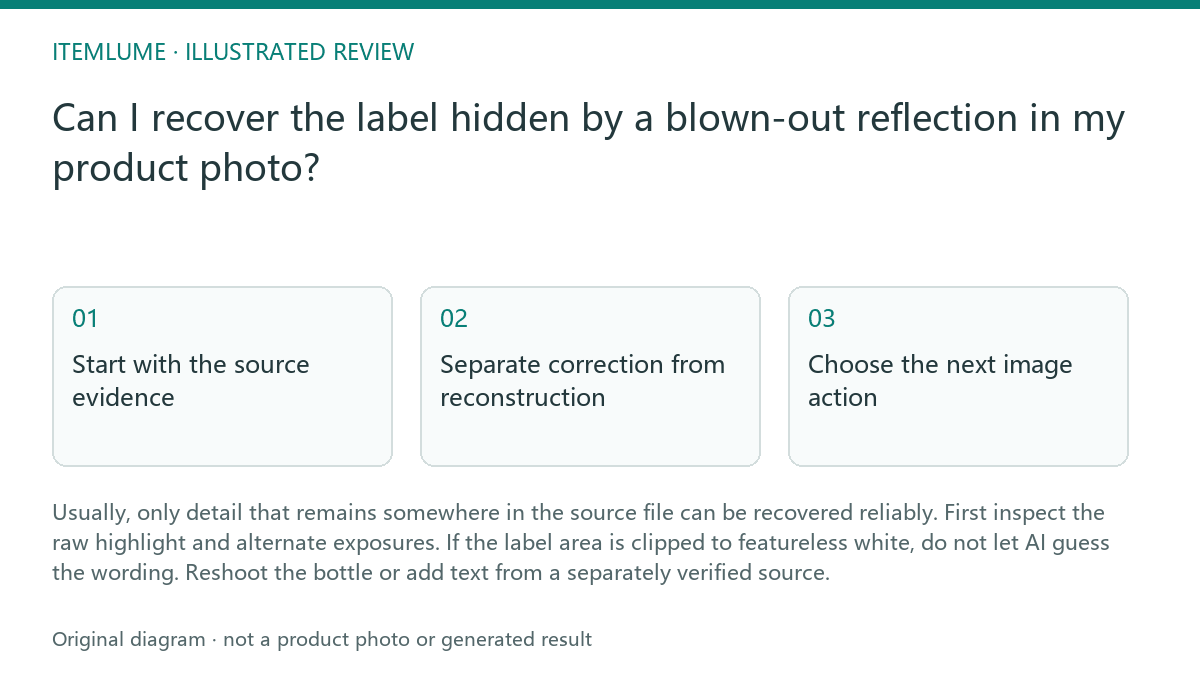
Start with the source evidence
A white reflection is not automatically lost. Open the original file, preferably the raw capture, and inspect the label at full resolution. Lower exposure and highlights, then check individual color channels. If letters, label edges, or ink color reappear, the image may support a careful correction. Keep a copy of the untouched source before making adjustments.
If the patch remains uniform white in every channel, there is no captured letter shape to restore. A sharpening filter can increase contrast around the glare, but it cannot recreate missing print. An AI tool may produce plausible characters, yet plausibility is not evidence that the batch code, ingredient name, or date is correct.
- 1. Open the original, not a compressed preview.
- 2. Reduce exposure and highlights, then inspect the RGB channels.
- 3. Compare any alternate frame or angle of the same label.
- 4. Stop recovery when the area is featureless in all available sources.
Separate correction from reconstruction
Exposure correction changes the visibility of information already recorded. It can reveal a faint edge, recover tonal separation, or make partially covered lettering easier to read. Record what changed and compare the result against the source so a correction does not silently become an invented label.
Reconstruction starts when you type or generate characters that the photograph never captured. That can be acceptable for a design mockup only when it is explicitly treated as a fictional or illustrative exercise. For a sellable product image, verify the wording against the physical bottle, approved artwork, or a separately photographed label, and identify the result as a composited text treatment in your review notes.
Choose the next image action
For the serum bottle, first look for another frame in which the glare moved. A small change in camera position may expose the batch label without changing the product identity. If no usable frame exists, reshoot with the bottle rotated slightly, the light source moved away from the camera axis, or a large soft source placed to produce a controlled reflection.
A generated replacement scene should not be used to prove the original batch code. It may help plan a composition, but the final product image needs a verified reference for any exact label content. Itemlume planning is a workflow aid available free after sign-in; image and video media are quoted separately. Treat that planning function as distinct from photographic verification.
Review before publishing
Review the label at the size shoppers will actually see, then enlarge it for a second pass. Check the product name, variant, net contents, warnings, dates, and batch or lot information separately. Do not rely on a single overall impression: a readable front name does not prove that a tiny code is accurate.
Keep the original, adjusted version, verified reference, and decision together. If the label remains ambiguous, crop it less prominently, use a verified alternate photograph, or reshoot. The stop condition is simple: when a required word or code cannot be supported by captured pixels or a verified physical reference, do not approve an AI-generated substitute as factual product evidence.
Reflective-label review
| Observation | Next check | Pass condition |
|---|---|---|
| Letters return after lowering highlights | Compare the recovered shape with the bottle or approved artwork | Every required character is supported by the source or reference |
| The glare is uniform white in every channel | Search for another frame or angle | A second source shows the exact label detail |
| AI produces a clean-looking batch code | Verify it against the physical bottle or approved record | The code is verified; otherwise the image fails factual review |
| The front label is readable but the small warning is not | Inspect each required information area separately | No required warning, date, quantity, or variant is guessed |
| A replacement text layer is added | Mark the file as composited and retain its reference | The text is verified and the treatment is disclosed internally |
Sources and further reading
Sources for this page were checked on . Platform rules can change; verify the current source before publishing. Prompt examples and workflow recommendations are Itemlume editorial guidance, not independently measured results.
Frequently asked questions
Can sharpening recover a completely white glare?
No. It can emphasize recorded edges, but it cannot restore characters absent from every available source.
Is AI-generated label text acceptable in a product listing?
Only as verified text based on a physical or approved reference. Unverified generated wording should not be presented as the actual label.
When should I stop editing and reshoot?
Stop when a required word or code remains unsupported after checking the original, channels, and alternate frames.
BUILD FROM A PRODUCT YOU KNOW
Put this workflow into practice with your own product.
Explore the relevant tool first. AI copy and concept planning are free after sign-in. Image and video generation require available credits and the applicable account access.
Open Product images Check pricing and credits