 Itemlume
PRACTICAL ANSWER / Product videos
Should I hide the brand until the final frame of a short product ad?
Usually, no. A late logo can preserve a reveal, but it leaves early viewers without a clear product or source. Test whether the opening identifies the item, then use the brand reveal as confirmation rather than the first usable signal. This guide separates workflow advice from Itemlume’s documented video-planning functionality.
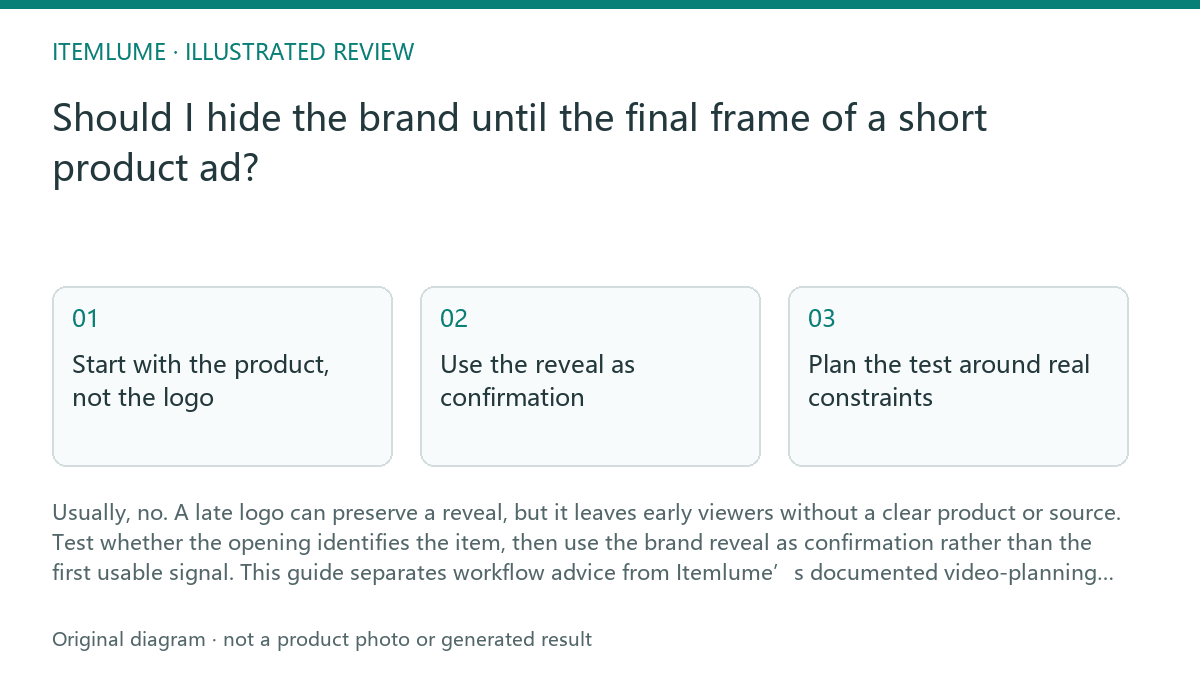
Start with the product, not the logo
A viewer may leave before the final frame, especially when the ad is watched without sound. The first image should make the sellable object recognizable through its shape, package, use context or a short readable label. Brand recognition can remain incomplete, but product recognition should not depend on reaching second fourteen.
A logo-only ending also creates a review problem: a polished reveal may hide that the preceding shots never established what is being sold. Treat the opening and ending as separate jobs. The opening answers “what is this?”; the later brand moment answers “whose product is it?”
- 1. Watch the opening with sound muted and pause after the first frame.
- 2. Ask a reviewer to name the product category without seeing the final frame.
- 3. Check whether the product remains identifiable after the first cut.
- 4. Compare early-exit points with the moment when the brand first becomes clear.
- 5. Stop the test when the opening fails product recognition twice across the same version; revise the first shot before changing the logo animation.
Use the reveal as confirmation
A delayed brand can work when the product itself carries strong visual identity or when suspense is the intended creative device. That is a creative workflow choice, not proof that viewers will remember the brand. Add a small earlier cue only when it does not obscure the product, claim, price or required disclaimer.
For a fifteen-second ad with the logo at second fourteen, review the first three seconds as an independent silent unit. If those seconds show only atmosphere, texture or an ambiguous close-up, the viewer may understand the mood without understanding the offer. Replace or reframe one opening shot before adding more end-card detail.
- 1. Mark the first frame, first product reveal and first brand cue.
- 2. Write one plain-language description of what a silent viewer should know at each mark.
- 3. Remove brand cues temporarily and test product recognition.
- 4. Restore the cue and check that it supports, rather than replaces, product clarity.
Plan the test around real constraints
Itemlume can help plan a TVC with nine planned shots. Its current workflow also includes four separately quoted 4K grids, while MiniMax H3 generates nine native five-second clips and assembles a silent 720p five-, ten- or fifteen-second edit. These are documented production-planning details, not evidence that a viewer will recognize the brand earlier.
Use the planned shots to assign a recognition job to the opening, a demonstration job to the middle and a confirmation job to the ending. Itemlume does not publish the finished video to stores, and the assembled result should not be treated as proof of product performance. Keep claims and required evidence in a separate review.
- 1. Assign one recognition purpose to each opening shot.
- 2. Identify any claim that needs real evidence rather than generated atmosphere.
- 3. Review the silent edit at the intended duration.
- 4. Separate creative approval from claims, label and compliance review.
Review before approving the end card
A successful brand reveal is not measured only by whether the logo is attractive. Review whether the viewer can name the product, whether the brand cue arrives soon enough for the intended audience and whether the final frame still has a readable, stable composition. A late reveal may pass as a stylistic choice only after the opening has passed recognition checks.
The exercise below is fictional and uses invented observations. It shows how to turn a vague concern into a decision without claiming performance data. Record the exact version, duration, mute state and review question so later comparisons remain meaningful.
- 1. Record the version and duration before watching.
- 2. Review once muted and once with the intended audio treatment.
- 3. Capture the first frame, first product cue and first brand cue.
- 4. Mark each observation pass or fail using the table.
- 5. Stop approval when product recognition fails, even if the end card passes.
Topic-specific review
| Observation | Next check | Pass condition |
|---|---|---|
| Logo appears only at second fourteen | Review the first three seconds muted | Product category is named before the end card |
| Opening shows an ambiguous macro texture | Replace or widen the opening view | The sellable object is identifiable in the first frame or first cut |
| Brand is absent until the final frame | Add or test an earlier restrained cue | The brand is confirmable without covering the product or required copy |
| Silent 720p edit is reviewed as if it proves performance | Separate visual review from evidence review | No generated shot is treated as proof of fit, function or performance |
Sources and further reading
Sources for this page were checked on . Platform rules can change; verify the current source before publishing. Prompt examples and workflow recommendations are Itemlume editorial guidance, not independently measured results.
Frequently asked questions
Can a late logo still be appropriate?
Yes, if the opening already identifies the product and the delayed reveal is an intentional creative choice. Test that condition instead of assuming the reveal will create recognition.
Does Itemlume publish the finished TVC to my store?
No. Itemlume planning is free after sign-in, while image and video media are quoted separately. Publishing remains a user workflow step.
Does a silent edit prove the product works?
No. A silent edit supports visual review only. Itemlume does not prove fit or product performance, so claims need separate evidence review.
BUILD FROM A PRODUCT YOU KNOW
Put this workflow into practice with your own product.
Explore the relevant tool first. AI copy and concept planning are free after sign-in. Image and video generation require available credits and the applicable account access.
Open Product videos Check pricing and credits