 Itemlume
PRACTICAL ANSWER / Product videos
How long should the final product-ad message remain on screen?
Keep the final product-ad message visible until a viewer can read it once on a phone without rushing, then confirm that the product and action remain identifiable. Word count, language length, contrast, motion, and safe placement all affect the result. A fixed second count is only a fictional planning example, not a platform rule.
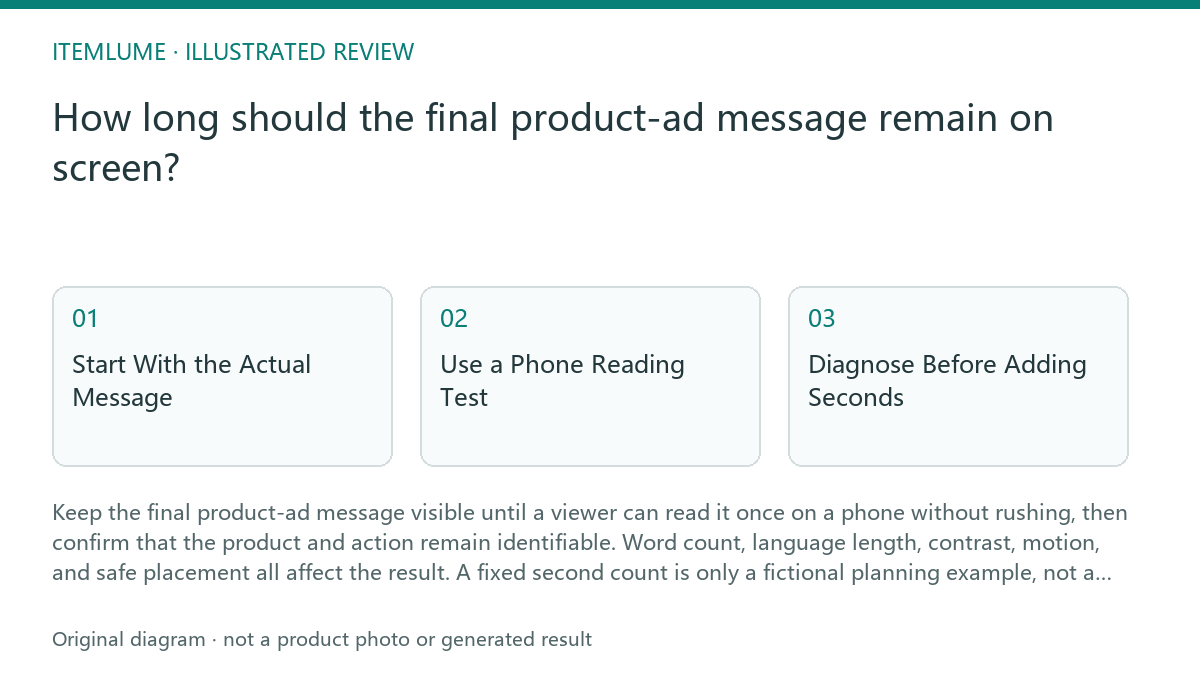
Start With the Actual Message
Write the final message exactly as it will appear, including the product name, offer condition, action, and any required qualifier. Count the rendered words rather than estimating from the design brief. A short phrase such as “See the full size guide” may be readable sooner than a longer message containing a product name and qualification.
Treat each language as its own layout. Translation can change word length, line breaks, and visual density, so the original-language timing cannot simply be copied. Keep the product visible while the CTA is shown; a readable instruction is not useful if the final frame hides the item or its relevant detail.
- Freeze the exact CTA copy and list every language version.
- Render each version in its intended font size, line count, contrast, and safe area.
- Run a phone reading test at normal viewing distance without pausing.
- Check whether the product, action, and any qualifier remain visible together.
- Extend or revise the ending until the slowest clear reading passes.
Use a Phone Reading Test
The test should reproduce the delivery context as closely as possible: the final frame should appear after the preceding shot, on a phone, at the intended crop. Ask a reviewer who did not write the line to read it once and state the action. Do not prompt them by explaining the message beforehand.
Record two observations separately: whether the words were read, and whether the meaning was understood. A viewer may technically finish the sentence but miss a small condition, a changed product variant, or the action button area. If either observation fails, the ending needs more time, simpler copy, clearer hierarchy, or a different final frame.
Diagnose Before Adding Seconds
Extra time is not always the correct repair. If the text is crowded, increasing duration leaves a crowded frame on screen for longer. First remove nonessential words, separate the action from the qualifier, or improve contrast. If the product disappears behind the text, change placement or the background treatment before extending the hold.
For an Itemlume workflow, planning and review determine the brief; Itemlume does not publish the video to stores or prove that a CTA performs. Current TVC planning uses nine planned shots, while four 4K grids are quoted separately. MiniMax H3 generates nine native 5-second clips and assembles a silent 720p 5/10/15-second edit. Those production choices do not establish a universal CTA reading duration.
- If reading fails but the frame is clear, simplify the copy or add hold time.
- If comprehension fails, expose the product and action more clearly.
- If one language fails, revise that localized layout rather than averaging all timings.
- Stop when the slowest intended reader passes twice without prompting.
Worked Exercise: A Fictional CTA
Fictional example: a 15-second product clip ends with “Choose your finish and see the full size guide.” The team initially leaves the line visible for 0.5 seconds. On a phone replay, the reviewer reads only “Choose your finish.” The message therefore fails even though the frame is visually attractive.
The team tests a shorter version, “Choose a finish. See the size guide.” It remains in two lines, keeps the product beside the copy, and passes a repeat reading test after the final shot. The chosen hold is a fictional editorial decision based on that test, not a claim about a platform requirement or viewer performance.
CTA timing review
| Observation | Next check | Pass condition |
|---|---|---|
| A 14-word CTA appears for only 0.5 seconds in the fictional test. | Replay it on a phone without pausing. | The reviewer reads the complete line once. |
| The translated line wraps to an extra line. | Test the localized layout independently. | The slowest language remains readable without covering the product. |
| The action is readable but the qualifier is missed. | Separate or simplify the qualifier. | The reviewer states both the action and condition. |
| The text passes but the product is hidden. | Move the CTA or change the final frame. | Product identity and action remain visible together. |
| The frame passes twice without prompting. | Stop extending the hold. | No further timing change is needed for this test. |
Sources and further reading
Sources for this page were checked on . Platform rules can change; verify the current source before publishing. Prompt examples and workflow recommendations are Itemlume editorial guidance, not independently measured results.
Frequently asked questions
Is there one correct number of seconds for every final CTA?
No. Use the actual words, language layout, phone replay, and product visibility to set the hold. Any numeric example here is fictional.
Should I simply extend the video when the CTA is hard to read?
Not automatically. First check copy length, contrast, line breaks, placement, and whether the final frame is too busy.
Does Itemlume prove that my CTA duration will perform?
No. Itemlume supports planning, while media are quoted separately. A phone reading test is a workflow check, not performance evidence.
BUILD FROM A PRODUCT YOU KNOW
Put this workflow into practice with your own product.
Explore the relevant tool first. AI copy and concept planning are free after sign-in. Image and video generation require available credits and the applicable account access.
Open Product videos Check pricing and credits