 Itemlume
Product videos / PRACTICAL ANSWER
How do I choose one of four storyboard options without voting for the prettiest sheet?
Reject inaccurate panels first. Then choose the sheet that explains the product through a coherent nine-shot sequence.
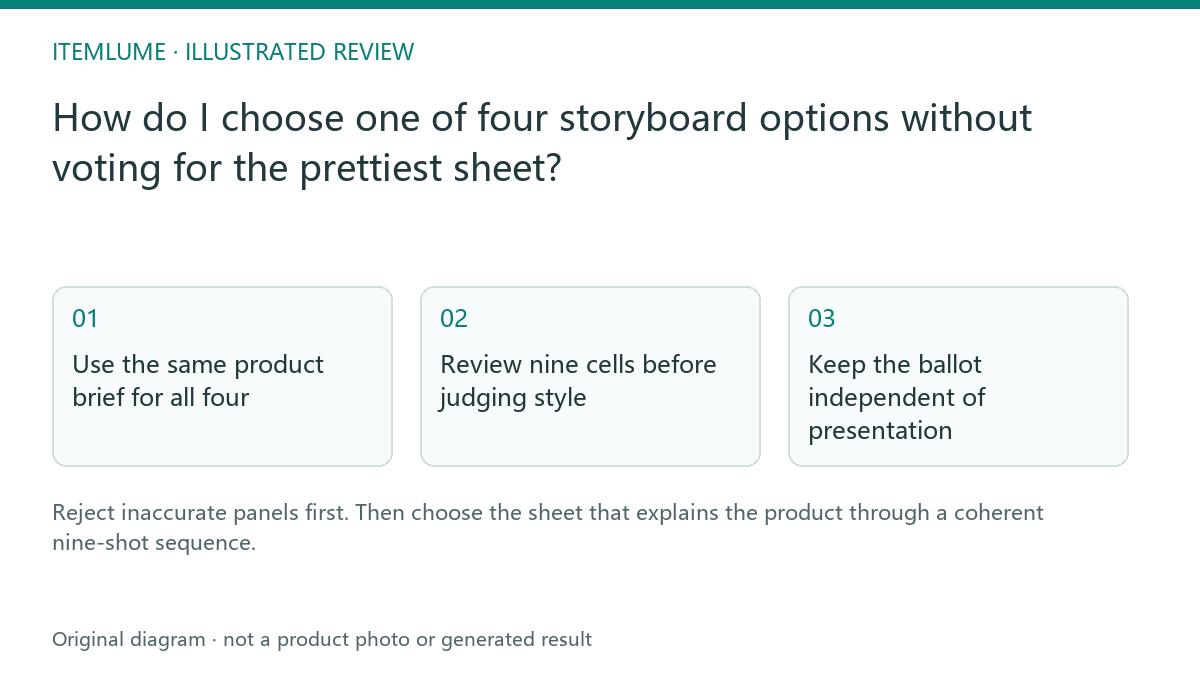
Use the same product brief for all four
A fictional lunch-box seller receives four sheets: a warm kitchen, a commuter desk, a dark studio and a picnic. Compare them against one approved product record: two compartments, a removable divider and a blue lid. A different visual setting is allowed; a new third compartment is not. Write these invariants above the comparison so reviewers do not reward invented functionality.
Do not change the feature brief halfway through the vote. If the commuter option suggests a useful but unsupported leakproof claim, mark that claim as unavailable rather than adding it to every other option. The exercise evaluates usable concepts, not the truth of a generated demonstration.
Review nine cells before judging style
| Gate | Review question | Decision |
|---|---|---|
| Identity | Do all nine cells show the same sold configuration? | Reject a changed component |
| Coverage | Does the sequence answer the planned buyer question? | Flag an omitted feature |
| Feasibility | Can the visible action be supported by supplied references? | Replace an unsupported action |
| Style | Is lighting and composition coherent after the gates pass? | Compare viable options |
Open the complete sheet at a readable size. Number cells from left to right, top to bottom. A thumbnail that hides a bad hinge cannot receive a pass merely because its overall palette looks consistent. Record which cell caused the rejection.
Keep the ballot independent of presentation
Ask two reviewers to identify the product and explain the advertised benefit before revealing the concept title. Let each write a rejection reason and a preferred surviving option. A disagreement about which countertop looks premium is less important than disagreement about whether the divider is included. Resolve factual questions with the source, then make the creative preference explicit.
Do not average a fatal product error into an otherwise high style score. This is a gate-based editorial method, not a validated statistical scoring system.
Freeze the chosen sheet and next step
Save the selected option, script version and panel notes together. In Itemlume, choosing a sheet is followed by panel review and a separate video quote. It is not automatic authorization to generate every alternative. If every option fails, revise the brief or references before making more sheets. Keep rejected reasons for the next planning round so the same unsupported visual does not return.
Sources and further reading
Sources for this page were checked on . Platform rules can change; verify the current source before publishing. Prompt examples and workflow recommendations are Itemlume editorial guidance, not independently measured results.
Frequently asked questions
Should the most attractive sheet win?
Only among sheets that pass product and action review.
Can I approve only the first panel?
Review all nine panels; later panels can introduce different components.
Does selecting a sheet begin four films?
No. Selection identifies the one sheet intended for a film.
BUILD FROM A PRODUCT YOU KNOW
Put this workflow into practice with your own product.
Explore the relevant tool first. AI copy and concept planning are free after sign-in. Image and video generation require available credits and the applicable account access.
Open Product videos Check pricing and credits