 Itemlume
PRACTICAL ANSWER / Product videos
Why does my product transform into another object during a transition?
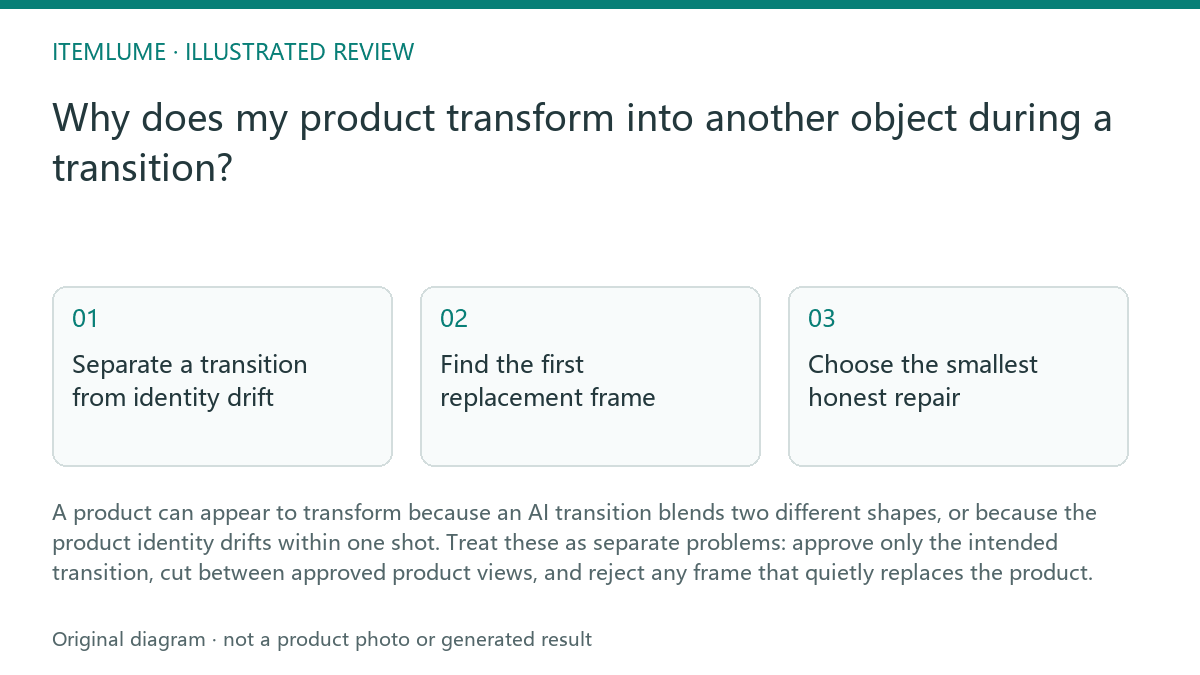
A product can appear to transform because an AI transition blends two different shapes, or because the product identity drifts within one shot. Treat these as separate problems: approve only the intended transition, cut between approved product views, and reject any frame that quietly replaces the product.
Separate a transition from identity drift
An intentional transition has a clear editorial boundary. For example, a perfume bottle may dissolve into its retail box after the bottle has completed its approved shot. The bottle and box are different objects, but the change is understandable because the edit announces a move from one product state or asset to another.
Identity drift happens inside the shot that was meant to show one object. The cap may widen, the shoulders may flatten, the label may move, or the bottle may become a box before the cut. A smooth dissolve does not make that replacement acceptable. If the viewer could pause the clip and reasonably ask which product they are seeing, treat the moment as a failure point.
Find the first replacement frame
Do not begin by judging the final frame. Start at the first frame where the product stops matching the approved source or storyboard. Compare the frame immediately before the change with the next few frames, checking silhouette, proportions, closure, label placement, material, and contact with the surface. The earliest mismatch usually tells you whether the cause is a transition boundary, camera movement, object interaction, or uncontrolled generation.
A useful review note names the exact change instead of calling the clip “weird.” Write observations such as “the cylindrical bottle becomes a rectangular carton over four frames” or “the label remains visible but its width changes before the dissolve.” This keeps the repair decision tied to visible evidence rather than to how cinematic the motion feels.
- 1. Mark the last frame that still matches the approved product.
- 2. Mark the first frame with a changed silhouette, label, material, or count.
- 3. Check whether the change occurs at an approved edit point.
- 4. Review the neighboring frames for a second drift or unstable recovery.
- 5. Choose cut, simplify, regenerate, or reject based on the evidence.
Choose the smallest honest repair
Use a cut when the two approved views belong to different shots and the transition itself is optional. A clean cut can preserve product identity better than a polished morph. Use a simpler movement when rotation, hand interaction, reflections, or camera motion are causing the generator to reinterpret the object. Keep the product larger and the action narrower if those changes make the source easier to follow.
Regenerate when the identity changes before the intended transition, when the product returns to the correct shape only briefly, or when the label and geometry cannot be trusted. Reject the shot when no crop or edit can remove the replacement without changing the claim. The goal is not visual continuity at any cost; it is a sequence in which every approved product frame remains truthful to the intended object.
Run a final identity review
Review the repaired clip at normal speed first, then pause around the transition. Confirm that the viewer can tell when the product ends and the next object begins. If the transition is retained, the change should be intentional, located at the approved boundary, and supported by the storyboard or edit plan. Do not use a dissolve to hide a frame that should have been removed.
For a fictional exercise, imagine a 10-second ad in which a perfume bottle becomes its box at second 6. The bottle is approved through 5.8 seconds, but its shoulder becomes rectangular at 5.4 seconds. The correct action is to cut or regenerate from 5.4 seconds onward; keeping the smooth morph would fail the identity review even if the box appears cleanly at second 6.
Product identity review
| Observation | Next check | Pass condition |
|---|---|---|
| The silhouette changes before the planned transition | Compare the first changed frame with the approved source | No unapproved geometry change before the edit point |
| The label stays visible but shifts size or position | Check neighboring frames for text and proportion stability | Label placement and scale remain credible until the cut |
| The product becomes a box during an AI dissolve | Confirm whether the dissolve is an approved transition | The object change begins only at the approved boundary |
| The product returns to its original shape after drifting | Review the full interval, not only the final frame | No temporary replacement appears in the approved shot |
| A crop could hide the changed edge but not the changed body | Test the crop against the product claim and framing | The repair removes the drift without concealing necessary evidence |
Sources and further reading
Sources for this page were checked on . Platform rules can change; verify the current source before publishing. Prompt examples and workflow recommendations are Itemlume editorial guidance, not independently measured results.
Frequently asked questions
Is every product morph a failure?
No. A planned change between approved objects can work when it begins at an explicit edit boundary. Unplanned identity drift inside a product shot is the failure.
Should I keep a smooth transition if viewers may not notice the change?
No. Review the first changed frame. If the product is replaced before the approved transition, cut or regenerate instead of relying on visual smoothness.
When is a crop enough?
A crop is enough only when it removes the drift without hiding a product feature needed to understand the scene or claim.
BUILD FROM A PRODUCT YOU KNOW
Put this workflow into practice with your own product.
Explore the relevant tool first. AI copy and concept planning are free after sign-in. Image and video generation require available credits and the applicable account access.
Open Product videos Check pricing and credits