 Itemlume
Credits & account / PRACTICAL ANSWER
Why can a 15-second TVC require more than 15 seconds of video generation?
The final edit and the generated source footage are different quantities. Budget the nine source clips before approving the film.
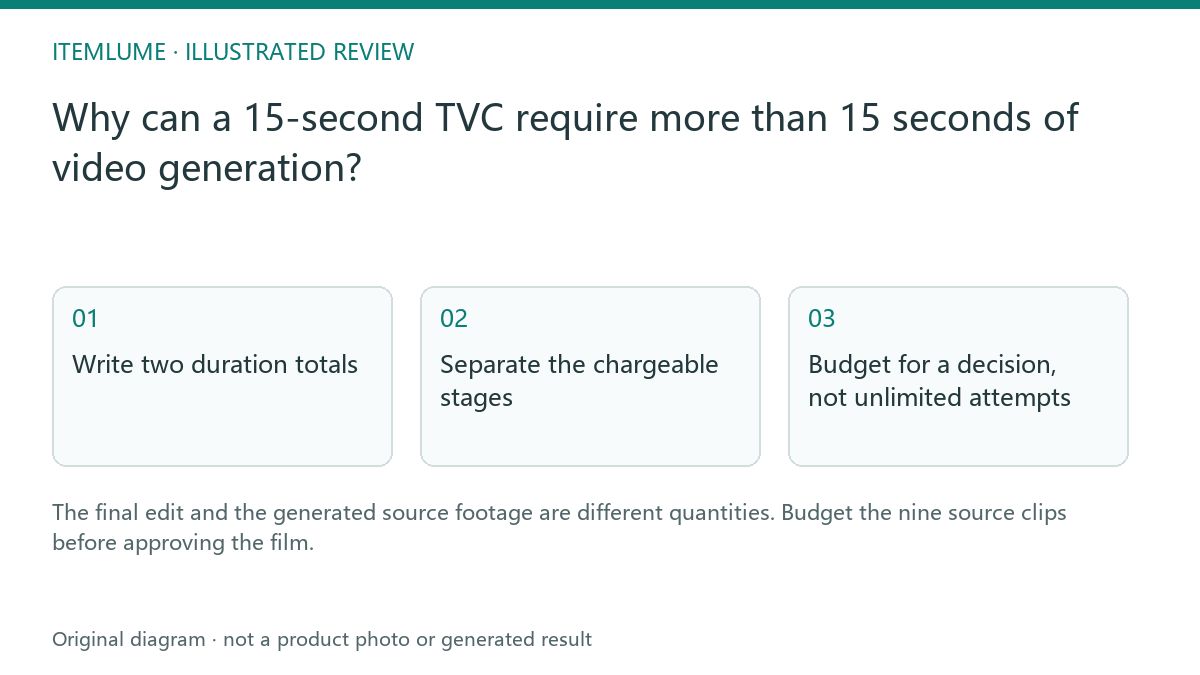
Write two duration totals
Consider a fictional 15-second desk-lamp advertisement. Its nine approved shots add up to 15 seconds, but the selected video adapter supplies a five-second source for each shot. That produces 45 seconds of source footage. The assembly chooses shorter portions; it does not make the unused source footage free. A fifteen-second delivery promise is therefore not a fifteen-second generation estimate.
Record the selected model, native clip length and planned edit length beside each shot. A model with another supported length changes the calculation. Do not divide a finished-film quote by fifteen and assume the same rate applies to a continuous fifteen-second request. Those requests produce different source material.
Separate the chargeable stages
| Stage | Quantity in this exercise | Approval |
|---|---|---|
| Planning | One approved nine-shot script | Check current free-text scope |
| Storyboard options | Four complete design sheets | Check image quality and quote |
| Source footage | Nine five-second clips | Check the film quote |
| Repair | One extra clip if needed | Approve the independent retake quote |
The four sheets are alternatives for one film, not four included films. Keep image generation and video generation on separate budget lines. Adding narration, licensed music or an external editor is also a separate production decision. The example quantities describe a workflow; current prices come from the application quote.
Budget for a decision, not unlimited attempts
Set an initial approval budget and a repair allowance before submitting. For the lamp, reserve the allowance for an incorrect switch interaction rather than spending it on a fifth attractive storyboard. If the important action cannot be shown faithfully, stop and capture real footage. More attempts do not establish product performance or guarantee a usable result.
Use the downloadable TVC review ledger to record generated seconds and accepted edit seconds separately. This is a manual planning aid. It does not read your wallet or submit a job.
Reconcile the completed film
After completion, list the actual successful source clips, failed jobs and any approved retakes. Match charges to the task record and current credit rules rather than this fictional arithmetic. Watch the delivered film at normal speed and inspect the source clips separately. A successful assembly only establishes that the files were combined; it does not approve the advertised product claims.
Sources and further reading
Sources for this page were checked on . Platform rules can change; verify the current source before publishing. Prompt examples and workflow recommendations are Itemlume editorial guidance, not independently measured results.
Frequently asked questions
Does unused source footage count as generated footage?
Yes. The source clips are generated before the final edit selects usable portions.
Are four storyboard sheets four advertisements?
No. Choose one reviewed sheet for the nine-shot film.
Where should I check the price?
Use the current authenticated quote before each chargeable operation.
BUILD FROM A PRODUCT YOU KNOW
Put this workflow into practice with your own product.
Explore the relevant tool first. AI copy and concept planning are free after sign-in. Image and video generation require available credits and the applicable account access.
View pricing and credits Check pricing and credits