 Itemlume
Product videos / PRACTICAL ANSWER
How do I tell whether nine shots explain my product or just look cinematic?
Ask a reviewer what is sold, what the main benefit is and what supports it. Decorative continuity alone does not answer those questions.
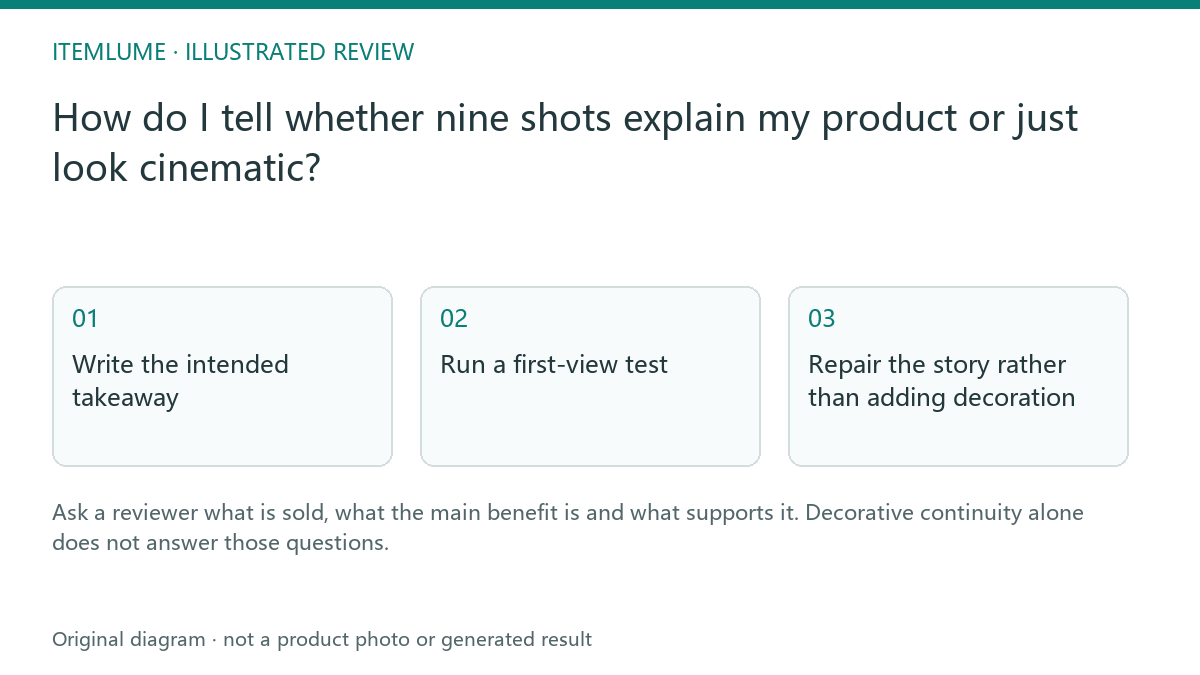
Write the intended takeaway
A fictional compact charger advert uses mist, floating particles and dramatic macro lighting. The seller wants shoppers to understand that it charges two devices through two visible ports. Before reviewing style, write that takeaway in a separate note. The story succeeds only if the approved scenes make that real feature understandable without inventing charging speed or compatible devices.
Use a specific buyer task: identify the two ports and distinguish the included charger from props. “Feels premium” is a preference, not a comprehension target. Nine cinematic views of the casing can still omit the actual purchasing question.
Run a first-view test
| Question to reviewer | Evidence to record | Next action |
|---|---|---|
| What product is sold? | Their unaided description | Fix ambiguous product role |
| What benefit did you understand? | Their own words | Revise unclear central scene |
| What made you believe it? | A visible feature or invented inference | Remove unsupported proof |
| What remains uncertain? | Concrete buyer question | Add explanation or real evidence |
Show the sheet once without explaining each cell first. Then reveal the intended takeaway and compare. This is a small editorial exercise, not a conversion experiment or a statistically representative user study.
Repair the story rather than adding decoration
If reviewers understand portability but never notice two ports, replace a redundant beauty scene with a clear supported view. If they infer universal compatibility, revise props and copy to match documented compatibility. Do not address every misunderstanding by adding more badges. Each scene should have one role in the explanation.
Keep the opening, feature explanation and ending connected by the same sold configuration. A spectacular impossible product transformation cannot substitute for evidence of an ordinary useful feature.
Repeat after motion exists
Video can obscure information that was clear in a still sheet. Repeat the explanation task on the assembled film at normal speed. If a cut is too fast, adjust the edit or plan rather than approving it because all nine tasks technically succeeded. The review record should state what was understood and what was changed, not claim a guaranteed sales lift.
Sources and further reading
Sources for this page were checked on . Platform rules can change; verify the current source before publishing. Prompt examples and workflow recommendations are Itemlume editorial guidance, not independently measured results.
Frequently asked questions
Does this measure conversion?
No. It checks whether a small review group understands the intended message.
Must every cell show a new benefit?
No. Supporting scenes can reinforce one useful factual message.
Should I retest the film?
Yes. Motion and timing can change what viewers notice.
BUILD FROM A PRODUCT YOU KNOW
Put this workflow into practice with your own product.
Explore the relevant tool first. AI copy and concept planning are free after sign-in. Image and video generation require available credits and the applicable account access.
Open Product videos Check pricing and credits