 Itemlume
Product videos / PRACTICAL ANSWER
Should I submit the whole nine-panel storyboard as the first frame of my advertisement?
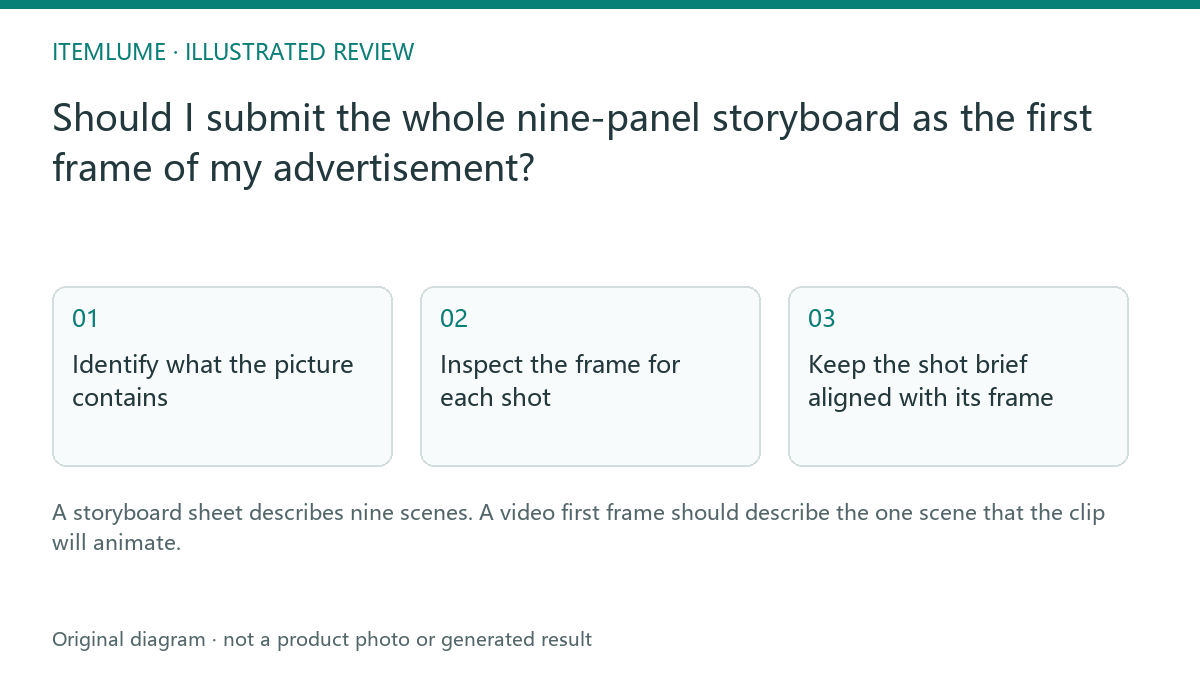
A storyboard sheet describes nine scenes. A video first frame should describe the one scene that the clip will animate.
Identify what the picture contains
Imagine a coffee-grinder sheet containing nine views separated by gutters. Submitting the whole picture as one first frame asks the model to animate a collage. Panels, borders and repeated grinders may remain in the video. A phrase such as “make this cinematic” does not reliably turn that composite into nine independent scenes. First distinguish the planning document from the shot image.
The current Itemlume TVC workflow prepares independent scene frames from the selected sheet. Review those frames before approving footage. This is separate from generating one continuous clip from an uploaded photograph. A service that supports explicit storyboard conditioning may behave differently; its interface must actually support that mode.
Inspect the frame for each shot
| Planning asset | Video input role | Check |
|---|---|---|
| Nine-panel sheet | Sequence approval | Nine numbered scenes |
| Shot 4 extracted scene | First frame for clip 4 | One scene; no neighboring panel |
| Model identity sheet | Identity reference during planning | Not an extra visible scene |
| Product reference | Product evidence during planning | Correct configuration |
Check for leftover grid lines, fragments of adjacent panels and tiny labels. Cropping a sheet is not proof that the resulting scene preserves the product. Compare the frame with the original merchandise as well as the selected cell.
Keep the shot brief aligned with its frame
For the grinder, clip four might begin with the lid closed and use a restrained light sweep. A prompt describing beans being poured into an already closed container conflicts with that frame. Correct the script or frame before video generation. Do not expect animation to repair an incompatible starting state while retaining all product details.
Record one shot number, one approved first frame and one motion instruction. The film may combine nine clips later, but every clip should start from an unambiguous scene.
Test the delivered scene
Watch the first second for a persistent grid, duplicate product or panel transition. If present, treat it as an input-role defect, not merely an unattractive camera move. Retain the defective input for diagnosis and create a correct independent scene. Itemlume does not claim that the current H3 path directly consumes a multi-role reference collage as its video first frame.
Sources and further reading
Sources for this page were checked on . Platform rules can change; verify the current source before publishing. Prompt examples and workflow recommendations are Itemlume editorial guidance, not independently measured results.
Frequently asked questions
Can a nine-panel sheet become a film in one ordinary image-to-video call?
That behavior is not established by an ordinary first-frame interface.
Should identity four-views be visible in the scene?
No. Identity references and the visible shot serve different roles.
What should I review after splitting?
The isolated composition, product identity and any remaining grid fragments.
BUILD FROM A PRODUCT YOU KNOW
Put this workflow into practice with your own product.
Explore the relevant tool first. AI copy and concept planning are free after sign-in. Image and video generation require available credits and the applicable account access.
Open Product videos Check pricing and credits