 Itemlume
Logo studio / PRACTICAL ANSWER
What should I give an engraver after choosing an AI logo concept?
Give the engraver a reviewed design and the actual application. Approve a sample on the intended material before a larger order.
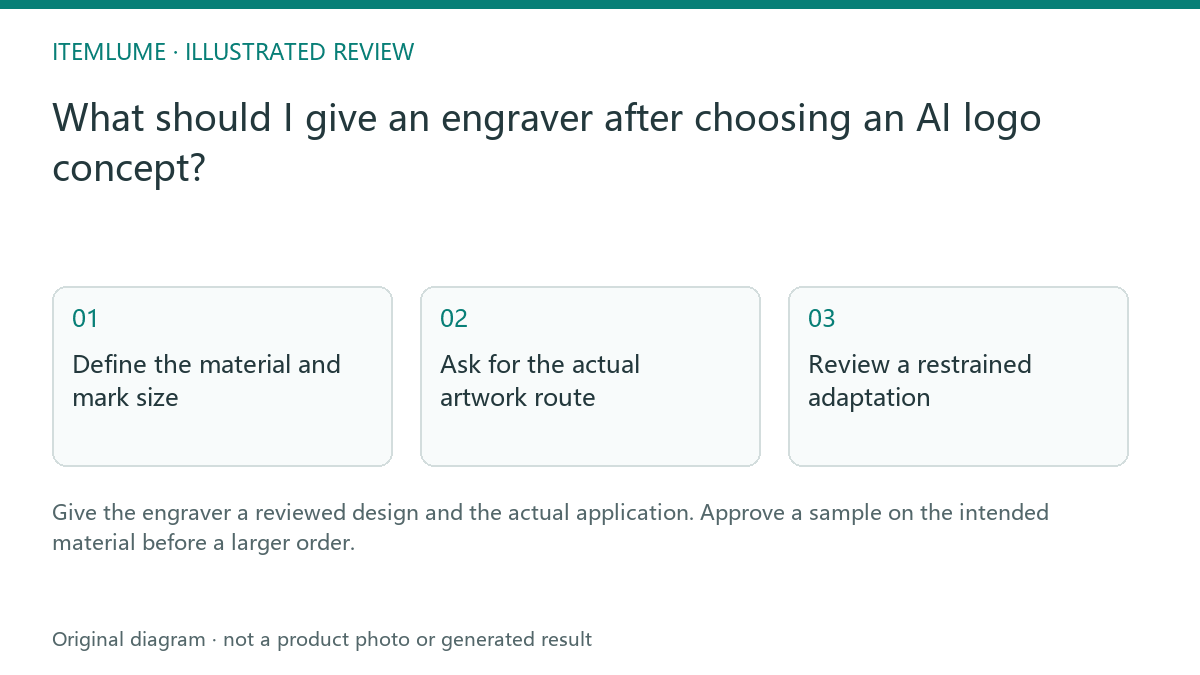
Define the material and mark size
A fictional maker selects a mountain logo for a wooden lid and an anodized metal tag. The same identity can be used, but the physical marks may look different. Record the material, intended finished size, placement and important gaps. Do not approve both applications from one generated wood mockup.
Trotec discusses engraving resolution in relation to image and material choices. It is manufacturer guidance, not a guarantee for another supplier’s equipment or your specific substrate.
Ask for the actual artwork route
| Input | Question for supplier | Review |
|---|---|---|
| Selected logo | Raster or vector workflow? | Correct source type |
| Material | Suitable known substrate? | Supplier confirms process |
| Finished size | Which details survive? | Application-specific proof |
| Sample | Same material and placement? | Physical approval |
Keep concept imagery, prepared artwork and supplier process settings separate. A file extension alone does not establish that the shape is appropriate for engraving. Do not select machine power or process settings from an AI-generated prompt.
Review a restrained adaptation
If the engraver proposes removing a small gap or simplifying the wordmark, request a before-and-after comparison at the intended size. Approve the adaptation as an application-specific logo version. Do not silently replace the storefront master with a simplified manufacturing version.
For the metal tag, check whether the selected contrast and lettering remain legible. For the wooden lid, inspect the real texture and appearance rather than the simulated burn pattern.
Approve the physical result
Compare the sample with the approved artwork and the actual item. Check recognizable shape, lettering, placement and any unintended surface effect. Keep the material and supplier record with the decision. Itemlume does not operate a laser or verify production feasibility. A generated engraving mockup is a concept, while a reviewed material sample is the appropriate basis for the order.
Sources and further reading
Sources for this page were checked on . Platform rules can change; verify the current source before publishing. Prompt examples and workflow recommendations are Itemlume editorial guidance, not independently measured results.
Frequently asked questions
Can one sample approve every material?
Confirm each intended material/application with the supplier.
Should I use AI-suggested machine settings?
Use the qualified supplier’s process and material guidance.
Does Itemlume provide an engraving process file?
No. Prepare the supplier deliverable externally.
BUILD FROM A PRODUCT YOU KNOW
Put this workflow into practice with your own product.
Explore the relevant tool first. AI copy and concept planning are free after sign-in. Image and video generation require available credits and the applicable account access.
Open Logo studio Check pricing and credits