 Itemlume
Assets & tasks / PRACTICAL ANSWER
What should I record before handing a nine-shot TVC to another teammate?
Give the teammate the approved version chain and unresolved defects, not just an unlabeled MP4.
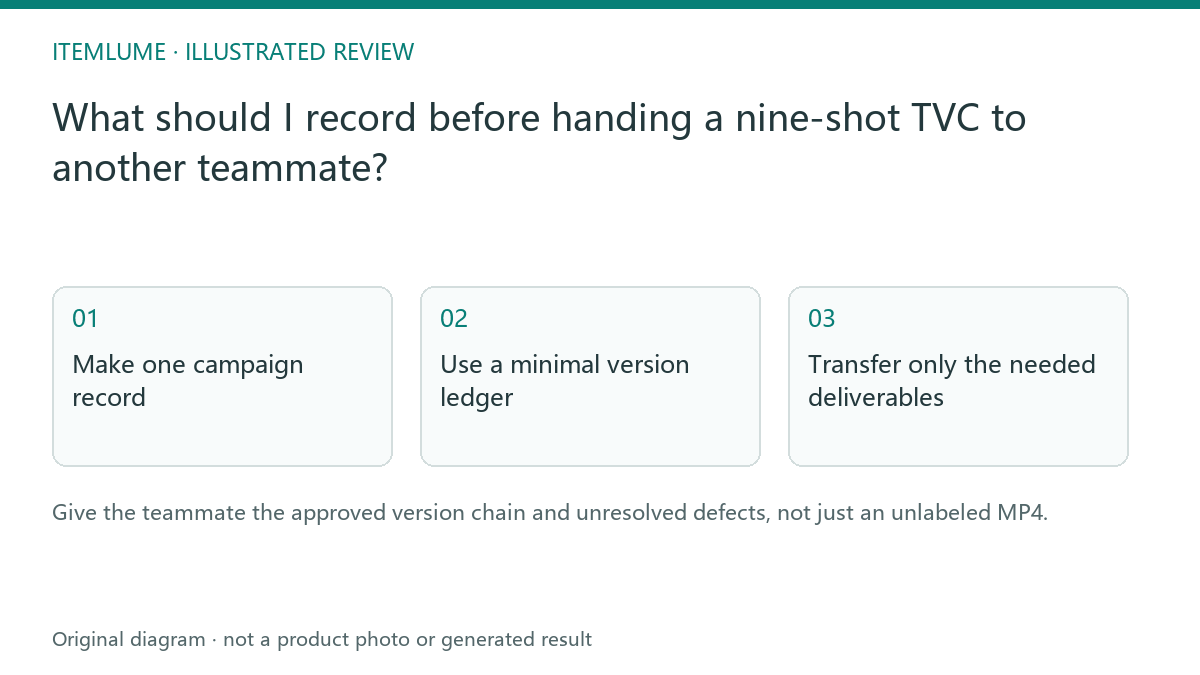
Make one campaign record
A fictional backpack team has a script, four sheets, nine clips and two film revisions. Sending “final.mp4” alone leaves the next person unable to tell which sheet was selected or whether an old buckle defect was repaired. Create a campaign record tying the product revision to the approved script, selected option and current film.
Use task identifiers as internal references but keep private source URLs and account credentials out of a public handoff. An approved public film and confidential supplier images have different sharing scopes. State those scopes before transferring files.
Use a minimal version ledger
| Field | Example value | Reason |
|---|---|---|
| Product revision | Backpack blue / revision C | Anchor the merchandise |
| Selected sheet | Option 2 / plan B | Identify the approved scene design |
| Shot decisions | 1–9; shot 7 replaced | Preserve local review |
| Film revision | Revision 3 | Avoid an obsolete download |
| Unresolved issue | No waterproof performance evidence | Prevent an unsupported claim |
The downloadable ledger is a manual record and contains fictional sample rows. It does not synchronize with Itemlume, transfer ownership of a task or allow another person to access your private account.
Transfer only the needed deliverables
For an editor, include the selected film, relevant source clips, approved copy and unresolved issue list. For a social publisher, include only the final permitted export and publishing instructions. Giving every rejected sheet to everyone increases the chance that an unapproved product view is reused. Retain rejected material internally with a clear status.
Use suitable file-sharing tools with the correct recipients. Itemlume account sharing is not required to communicate a reviewed creative decision. A teammate who needs new generation should use their authorized workflow rather than your credentials.
Verify the recipient’s understanding
Ask the recipient to identify the accepted film revision and the claim they must not add. Check the received file against the approved download. The handoff is complete when both the file and its decision context are clear. Technical delivery of an MP4 cannot establish publishing approval or permission for every attached source.
Sources and further reading
Sources for this page were checked on . Platform rules can change; verify the current source before publishing. Prompt examples and workflow recommendations are Itemlume editorial guidance, not independently measured results.
Frequently asked questions
Is final.mp4 a sufficient handoff?
Include the version and approved scope so an older file is not mistaken for the accepted film.
Does the ledger transfer account access?
No. It is a manual decision record.
Should every rejected sheet be public?
Share only material appropriate to the recipient and task.
BUILD FROM A PRODUCT YOU KNOW
Put this workflow into practice with your own product.
Explore the relevant tool first. AI copy and concept planning are free after sign-in. Image and video generation require available credits and the applicable account access.
Open Assets & tasks Check pricing and credits