 Itemlume
Assets & tasks / PRACTICAL ANSWER
Can I reuse my selected storyboard after changing the product brief?
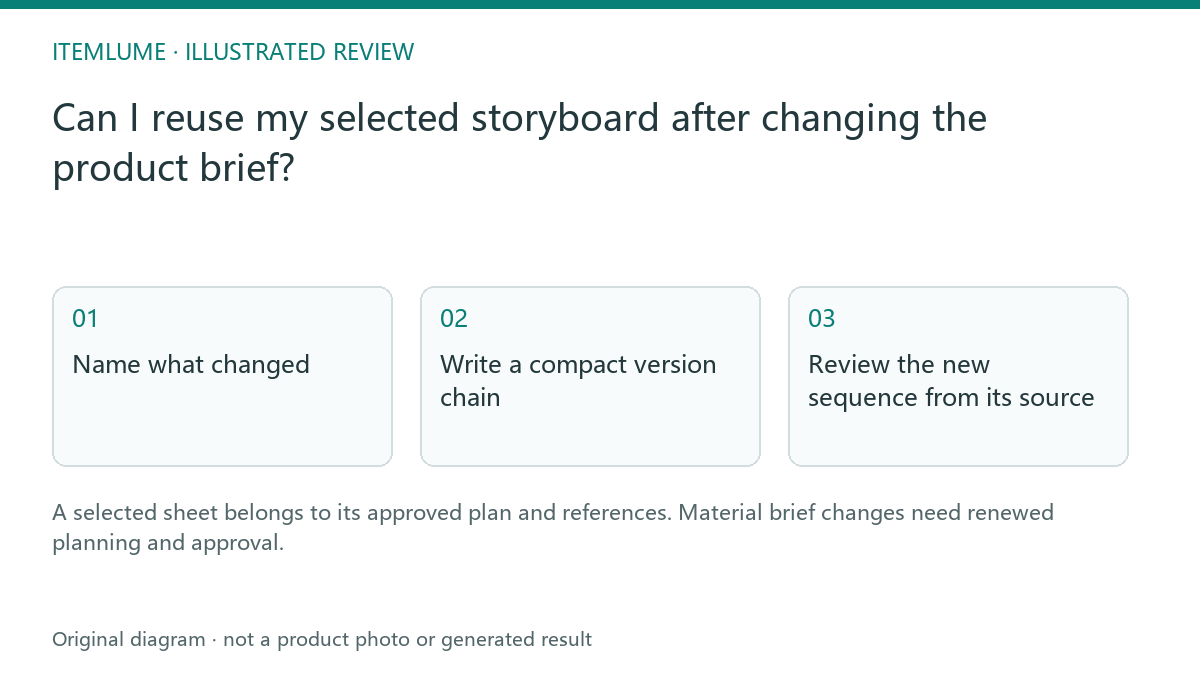
A selected sheet belongs to its approved plan and references. Material brief changes need renewed planning and approval.
Name what changed
A fictional tumbler campaign initially advertises a 500 ml lid design. The seller later replaces the source with a 750 ml version and edits the key benefit. The old sheet can still be a useful visual reference, but it no longer approves the current merchandise. Reusing its plan without review would bind a new product to old scene descriptions and source frames.
Distinguish a purely editorial note from a change to product evidence, creative direction, aspect ratio, duration or bound model settings. The authenticated workflow checks these relationships. Do not label every surviving image as current merely because it remains visible in task history.
Write a compact version chain
| Version | Product reference | Approved status |
|---|---|---|
| Plan A | 500 ml source | Historical plan |
| Sheet A4 | Plan A | Historical selected option |
| Film A revision 2 | Sheet A4 | Previous completed film |
| Plan B | 750 ml source | Needs its own sheet and film approval |
This chain is an illustrative record, not a promise that the website imports arbitrary externally edited versions. Use the application’s actual task identifiers and keep descriptive names in your own handoff notes.
Review the new sequence from its source
Compare every new panel with the current tumbler. A changed capacity may alter shape, label and grip; it is not just one line of copy. If the same setting remains appropriate, preserve it as a creative direction while rebuilding the product-specific plan. Recheck duration and final product state before generating footage.
A completed earlier film should stay available as history. Its presence should not skip the new sheet-selection or frame-review stage. When in doubt, read the plan summary and source references rather than the most polished visible preview.
Handoff without ambiguous approval
Write “Film A approved for historical 500 ml campaign only; Plan B not generated” until the new version passes review. This prevents an editor from publishing the old film for the new SKU. Technical recovery and retained media are useful, but neither establishes that an earlier approval extends to changed facts.
Sources and further reading
Sources for this page were checked on . Platform rules can change; verify the current source before publishing. Prompt examples and workflow recommendations are Itemlume editorial guidance, not independently measured results.
Frequently asked questions
Can the old sheet inspire the new plan?
Yes, as a reference, with a separate approval for changed facts.
Does an old completed film mean the new plan is complete?
No. Read the version and source relationship.
Should I delete history to avoid confusion?
Keep history and label its approved scope clearly.
BUILD FROM A PRODUCT YOU KNOW
Put this workflow into practice with your own product.
Explore the relevant tool first. AI copy and concept planning are free after sign-in. Image and video generation require available credits and the applicable account access.
Open Assets & tasks Check pricing and credits