 Itemlume
DIAGNOSTIC GUIDE / Product images
How do I check woodgrain continuity across adjacent product faces?
Use adjacent-face photographs of the same sale item to check woodgrain continuity. The shared edge is the anchor: grain and knots should correspond to the real construction, not simply look like plausible wood on each generated face. Unknown rear surfaces remain unknown. Shared-edge evidence matters more than how believable each isolated wooden face may look.
Wood species does not identify an individual pattern
One material name does not define a particular pattern. Solid wood, veneer and printed finishes can have different edge relationships, so continuous-looking grain is not always the correct result either. Check the actual item and construction rather than imposing an invented ideal wrap around every corner.
Choose the same physical sale unit for both photographs. Mark a recognizable knot, line and shared corner; then note whether the real construction joins separate pieces. A pleasing continuous grain can be wrong when the real item has a seam or different edge finish.
Map the common edge from adjacent photographs
Photograph the neighboring faces with a visible common edge and record a few identifiable knots or lines. Mark which points are genuinely connected and which faces use separate material pieces. Compare the generated views against that map, rejecting invented continuity as well as missing real continuity; retain the source unit identity.
Create a simple front-edge-side sketch and link each marker to its actual photograph. Ask the generator to preserve supported landmarks, while excluding unobserved faces from factual claims. Compare candidates at the shared edge rather than approving each face in isolation.
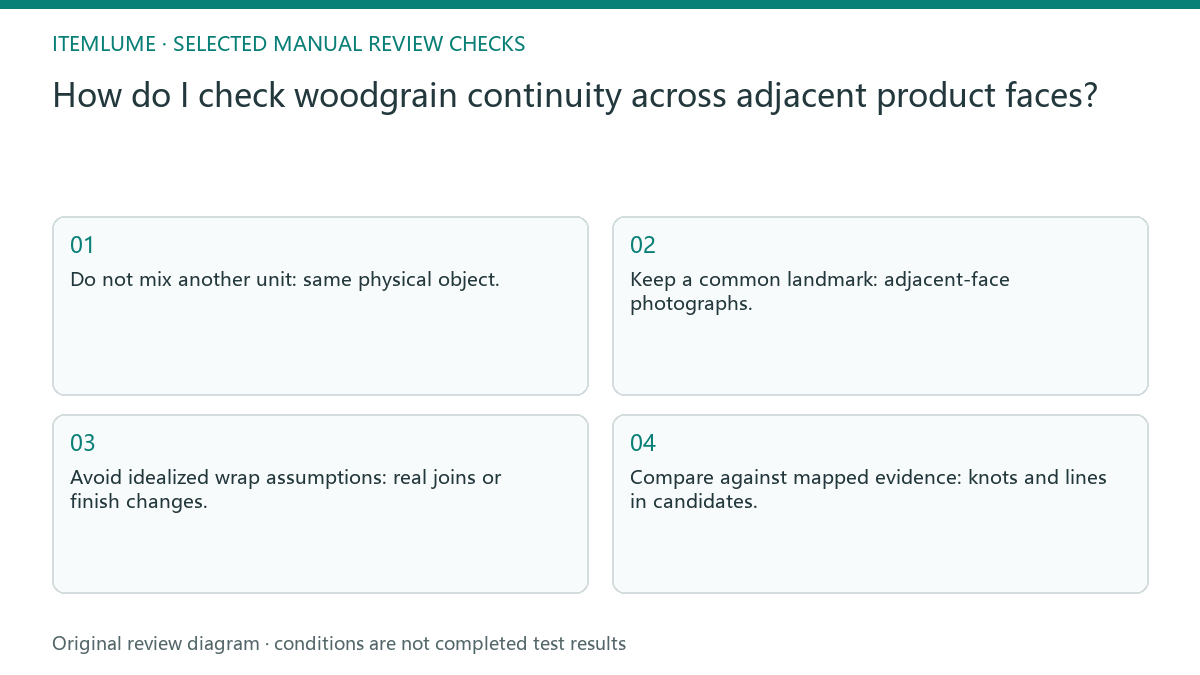
- Do not mix another unit: same physical object.
- Keep a common landmark: adjacent-face photographs.
- Avoid idealized wrap assumptions: real joins or finish changes.
- Compare against mapped evidence: knots and lines in candidates.
Follow a knot near the storage-box corner
Fictional exercise: a woodgrain storage box has a recognizable knot near one front corner. Its side photograph shows how that edge is actually finished. The review maps the knot and construction across the two approved sources, instead of allowing AI to generate a nicer but unrelated side texture.
In the fictional box, the front knot lies near a corner while the side source establishes the actual edge treatment. Record the mapping before generation. If the candidate moves the knot or creates a new wrap-around seam, explain the mismatch against those two sources. If a candidate preserves grain but changes the join or edge finish, reject that structural change separately. A marker map should include both pattern and construction. Do not approve a new angle simply because the most noticeable knot stayed near the correct corner.
Obtain the missing view instead of inventing continuity
Stop a new-angle approval when the source does not show the relevant edge. Obtain another view of the same unit rather than borrowing another unit’s woodgrain.
Keep the new-angle status provisional until the relevant real edge is shown. A generated rotation is a presentation candidate, not evidence of unseen construction. Itemlume can produce a visual candidate from provided references. It cannot verify real veneer construction or discover the exact unseen grain of a unique physical unit.
Sale unit to pattern match: decision worksheet
| Check | Evidence to record | Review action |
|---|---|---|
| Sale unit | Same physical object | Do not mix another unit |
| Shared edge | Adjacent-face photographs | Keep a common landmark |
| Construction | Real joins or finish changes | Avoid idealized wrap assumptions |
| Pattern match | Knots and lines in candidates | Compare against mapped evidence |
Use this matrix as a manual review record and add your own real evidence. Its conditions are not completed test results.
Sources and further reading
Sources for this page were checked on . Platform rules can change; verify the current source before publishing. Prompt examples and workflow recommendations are Itemlume editorial guidance, not independently measured results.
Frequently asked questions
Must woodgrain always wrap continuously around corners?
No. Preserve the actual construction; separate pieces or finishes may produce discontinuity.
Can another unit supply the missing side?
Not as evidence of this unique unit’s exact pattern. Obtain the same unit’s view.
Where is the most useful comparison point?
At a shared edge with identifiable landmarks visible in both real references.
BUILD FROM A PRODUCT YOU KNOW
Put this workflow into practice with your own product.
Explore the relevant tool first. AI copy and concept planning are free after sign-in. Image and video generation require available credits and the applicable account access.
Open Product images Check pricing and credits